Top 5 Tools for Making a Product Launch Video From a Short Song Demo
A short musical phrase can time the reveal. These five tools cover the hook, the visual treatment, and a cut built from real footage.
Article summary
How to turn a short song demo into a product launch video. Five tools for the hook, the reveal, and a cut that uses real product footage.
A product reveal has more impact when viewers have just seen the problem it solves and the music brings them to the moment it appears. Mark the first frame where the product should be clearly visible, then try a short musical phrase that leads into it. Three shots may be enough for a first cut: show the problem, reveal the product, and finish on a view that makes it easy to recognize.
Start with a written brief naming the product, the audience, and one action you want to show. Use the same short audio excerpt to judge generated scenes and an edit from real footage. Keep any claim, price, or product name in an editable title layer so it can be checked before publication.
Key takeaways
- Lock the reveal frame before you pick a longer edit.
- Draft the hook in audio first, then build visuals around that timing.
- Put the real product name and packaging in the edit, not in generated text.
1 AISong
Where it fits in the launch
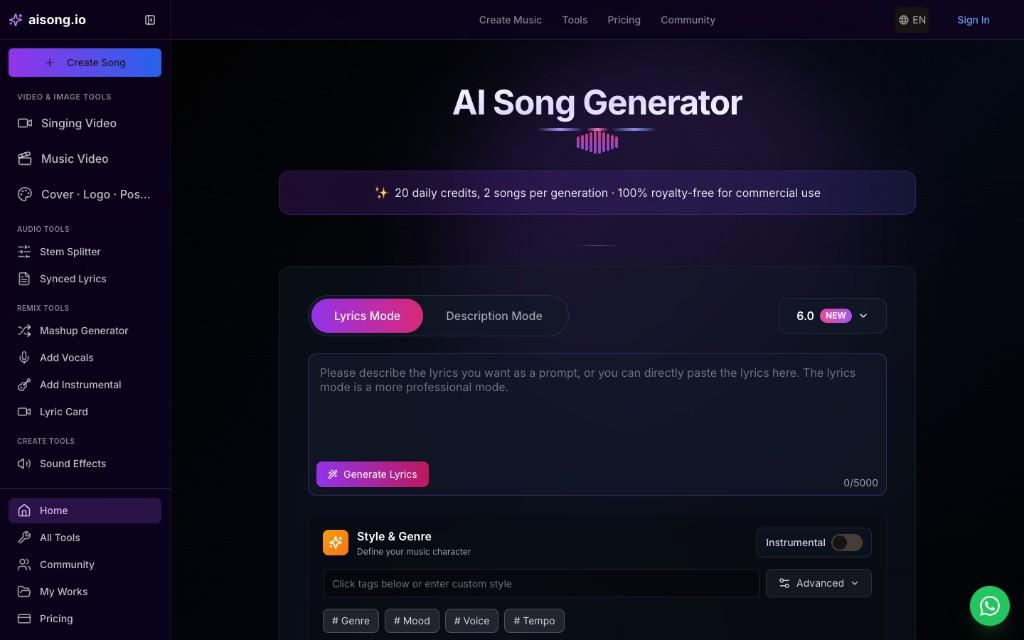
AISong helps at the audio stage. A prompt can give a product campaign its musical direction before the team has footage or a detailed storyboard. The most useful output for this brief is a short excerpt with a recognizable hook and a clean point for the reveal.
Building the first draft
Use AISong's AI Music Generator to try two treatments of a single line about the product's benefit. Keep the lyric fixed and vary the pacing or instruments. Listen to both beneath a spoken version of the product name, then choose the one that leaves enough space for it to be heard.
Launch scenarios
Use it for early campaign concepts when the team is deciding between an upbeat demo and a quieter launch announcement. The selected excerpt can become the timing reference for either an illustrated video or footage shot later.
2 MakeSong
Where it fits in the launch
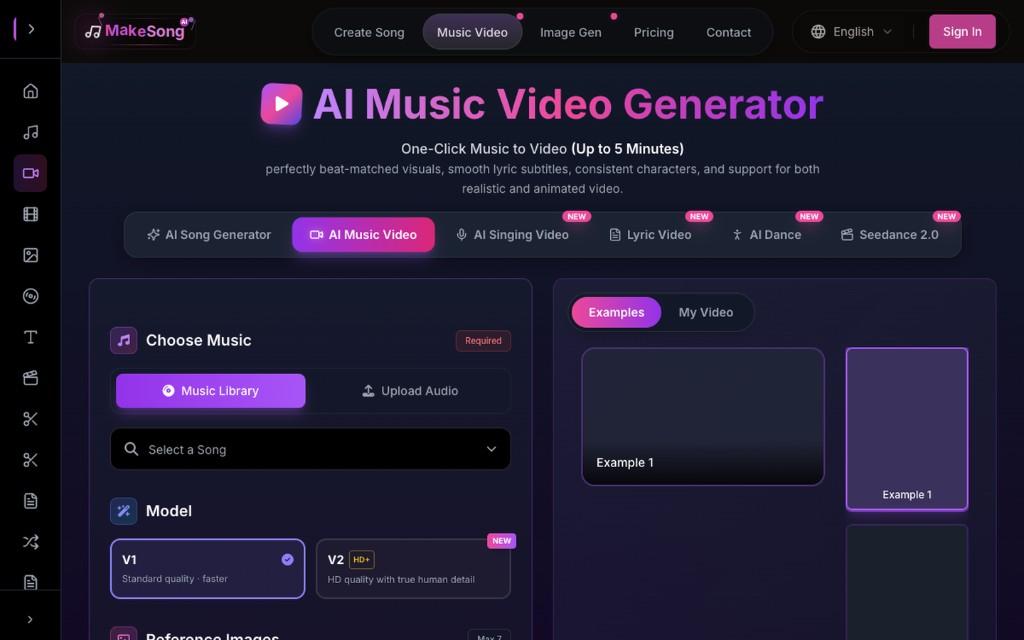
MakeSong is relevant once the audio has a chosen reveal point. Its music video workflow accepts audio, reference images, and a video prompt, which can be used to explore the background action and framing for a launch visual.
Building the first draft
Once you know when the product should appear, open MakeSong's AI Music Video Generator Free tool and upload the chosen excerpt with approved product imagery as reference. Prompt a simple opening and one clear reveal. Check the generated product shape and color against the real asset, and place accurate names or labels in the editor rather than relying on generated text.
Launch scenarios
Use it for a concept trailer where the product can be introduced with a generated environment or mood. For a close-up that must show exact packaging or controls, place the approved real product shot into the final edit.
3 Musicful
Where it fits in the launch
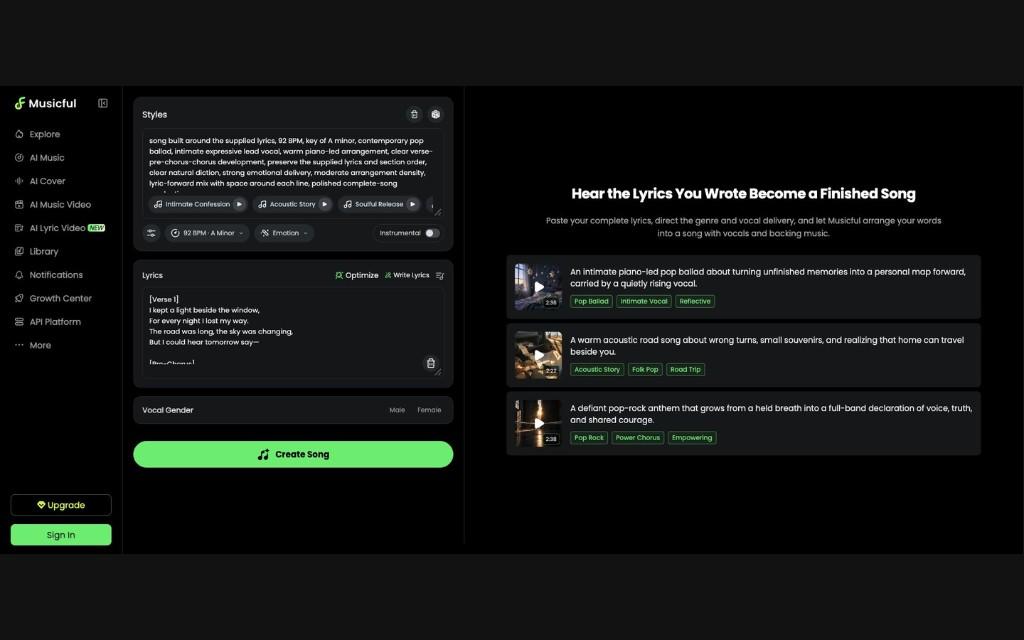
Musicful's lyric-to-song tools can turn a short written line into a draft with vocals and accompaniment. It offers a second way to check whether a written brand phrase works when sung.
Building the first draft
Use the same approved line and test a version with fewer syllables in the hook. Listen for the product name on a phone speaker. If it is still hard to make out, keep the music instrumental at that moment and put the name into the voiceover or title instead.
Launch scenarios
Use it when the team has a short written slogan and wants to decide whether a sung line belongs in the campaign. This is an audio drafting step, so finish the timing before asking a video tool to build around it.
4 Freebeat
Where it fits in the launch
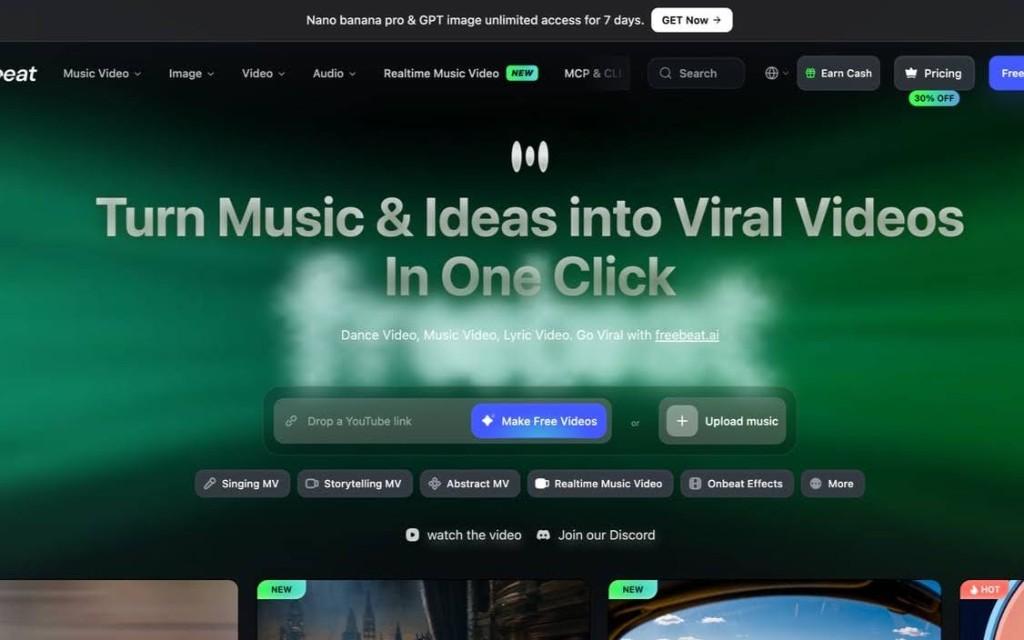
Freebeat offers audio-led video generation. It is a relevant comparison when the team wants a rough visual treatment from the selected soundtrack before it invests in a fully specified edit.
Building the first draft
Upload the same song excerpt and give the visual a single look. Compare the generated sequence with the three-shot launch outline. Keep any scene that helps the reveal, and plan to insert an approved product close-up wherever accuracy matters.
Launch scenarios
Use it for mood exploration or a brief launch concept review. The preview can help the team decide whether an energetic visual treatment suits the product before the final footage and titles are assembled.
5 Rotor Videos
Where it fits in the launch
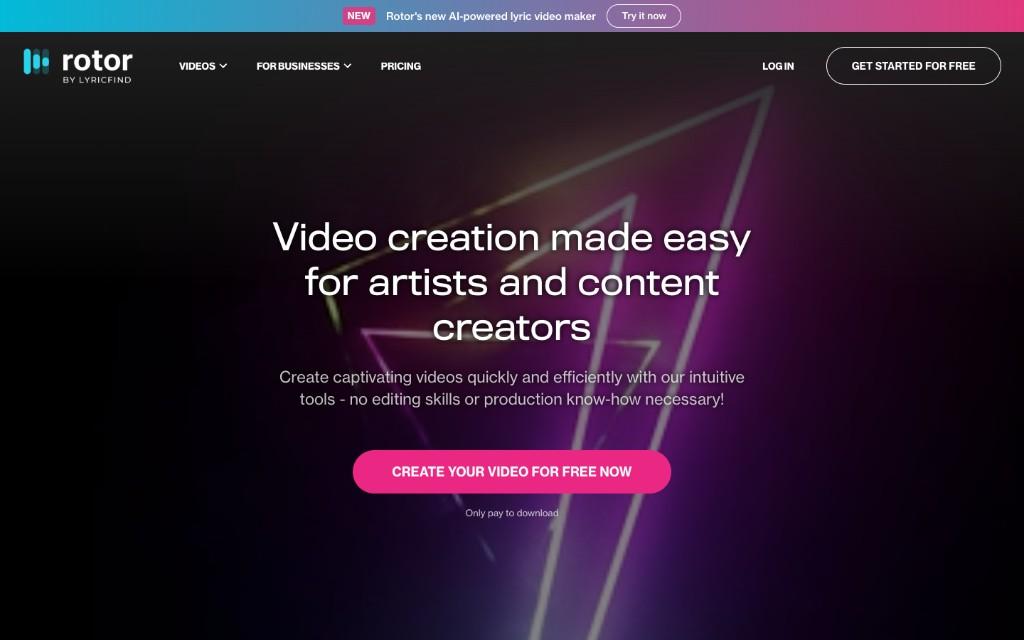
Rotor's music video workflow is useful when the brand already has product footage. It can assemble selected clips around the approved audio.
Building the first draft
Preview a Rotor cut with a problem shot, an approved product demonstration, and a close-up of the real packaging. Rotor cannot place a chosen shot at a precise point in the song. Use a separate editor for the reveal beat and add the approved product name as editable text.
Launch scenarios
Use it for a product launch with demo footage, workshop footage, or approved stock and a real product shot. It gives an editor a route from usable existing clips to a short music-led cut.
Choosing Your Workflow
Approve the sound and the exact reveal shot before building the longer version. AISong and Musicful can help draft a hook, MakeSong and Freebeat can explore visual treatments, and Rotor works when approved footage already exists. Keep the product details accurate and watch the final cut once with sound and once muted.
Go ahead and start using Kreatli for free!
Once the cut exists, collect frame-accurate feedback, keep versions together, and run the approval cycle in one workspace.