The Best Frame.io Alternatives for Video Review & Approval (2026)
Compare the best Frame.io alternatives in 2026. See which tools handle video review, approvals, and full production workflows at scale.
Article summary
Compare the best Frame.io alternatives in 2026. See which tools handle video review, approvals, and full production workflows at scale.
Frame.io popularized online video review. For many teams, it was the first step away from email attachments and timestamped notes.
But in 2026, video production has changed.
Creative teams now manage:
Multi-channel campaigns
AI-generated video variants
Distributed editors and reviewers
Complex approval chains
Interdependent deliverables across teams
This has exposed a critical limitation: Frame.io solves review, not production.
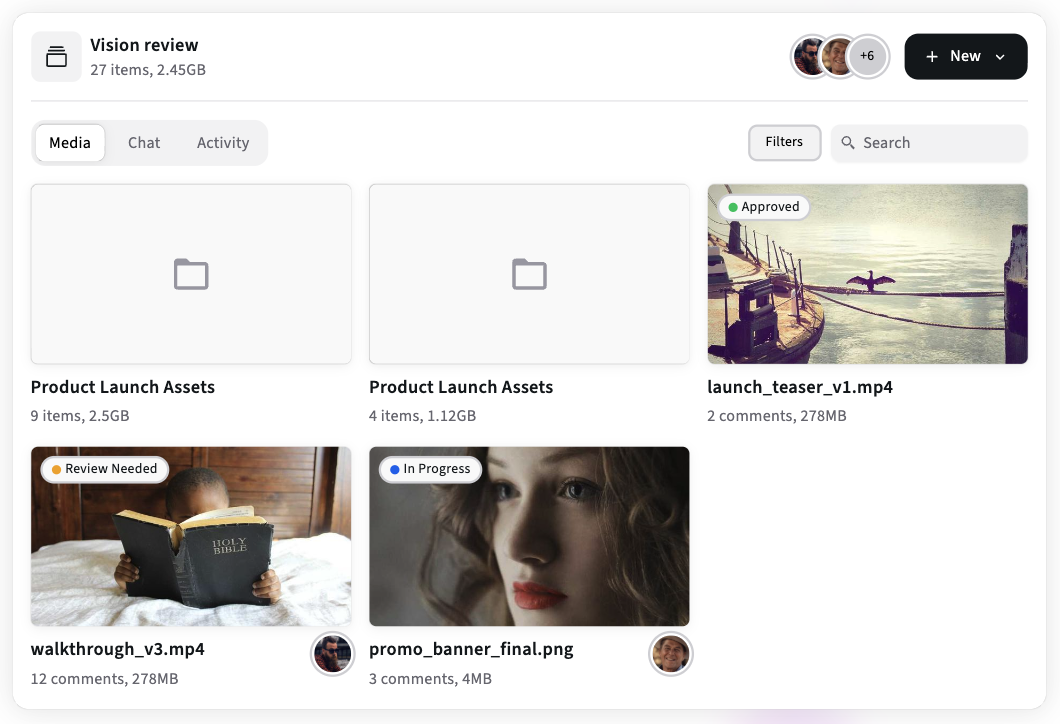
This guide compares the best Frame.io alternatives in 2026 and explains why many teams are moving away from “review-only” tools toward production management platforms like Kreatli.
What Teams Actually Need Beyond Frame.io in 2026
Before comparing tools, it is important to reset the evaluation criteria.
Most teams do not need “another Frame.io” - they need:
Visibility across projects
Structure around deliverables
Ownership and accountability
Workflow stages beyond review
Context around why work exists
Video review is only one step in the production lifecycle.
Categories of Frame.io Alternatives (2026)
Not all alternatives compete on the same axis. They fall into four categories.
1. Review and Proofing Tool Copycats
These tools mimic Frame.io’s core functionality.
Examples
Filestage
Wipster
Ziflow
Filestage
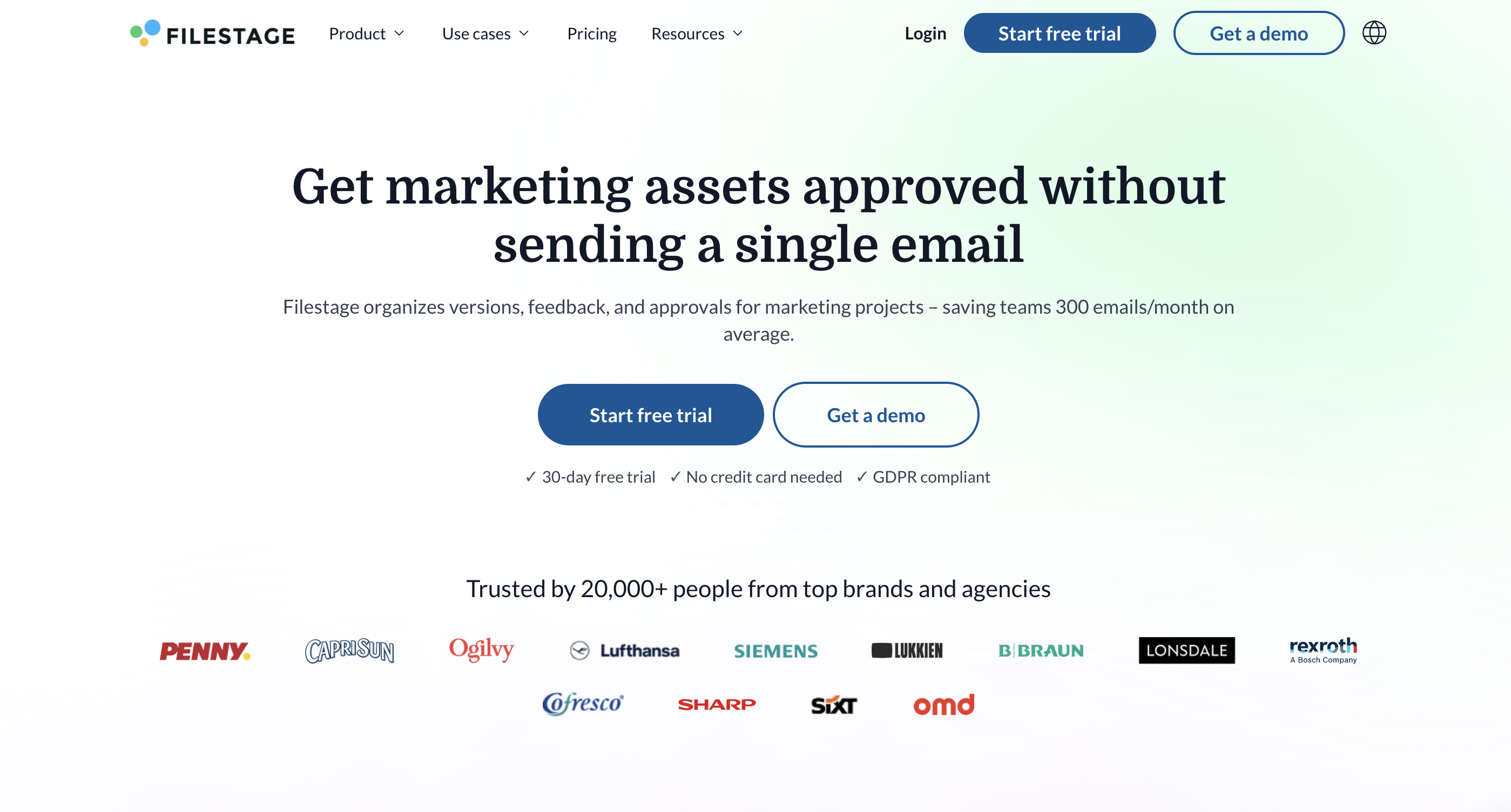
Filestage is a proofing tool designed for reviewing creative assets, including videos, images, and documents. It supports structured review steps and approvals, making it popular with marketing teams managing feedback-heavy workflows.
Strengths
Structured review and approval steps
Supports multiple asset types beyond video
Clear sign-off process for stakeholders
Limitations
Approval-centric, not production-centric
Limited visibility into upstream work and execution
Does not scale well for complex, multi-asset campaigns
Wipster
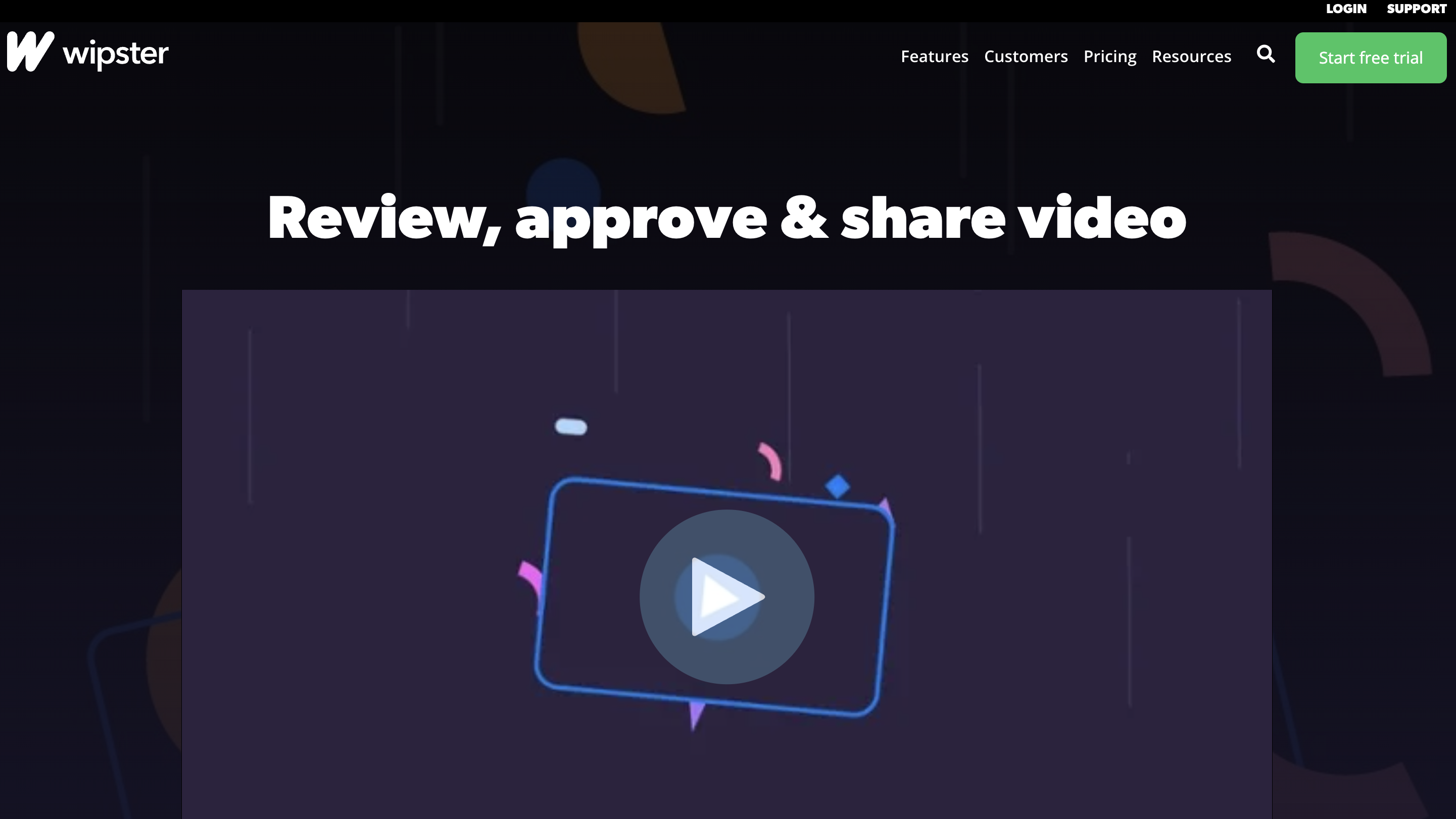
Wipster is a video review and approval tool aimed at simplifying feedback for video teams. It offers commenting, version tracking, and sharing links for stakeholders.
Strengths
Simple, lightweight video review experience
Easy sharing with internal and external reviewers
Low learning curve for small teams
Limitations
Minimal workflow and status modeling
Limited support for complex review chains
Not designed for managing production at scale
Ziflow
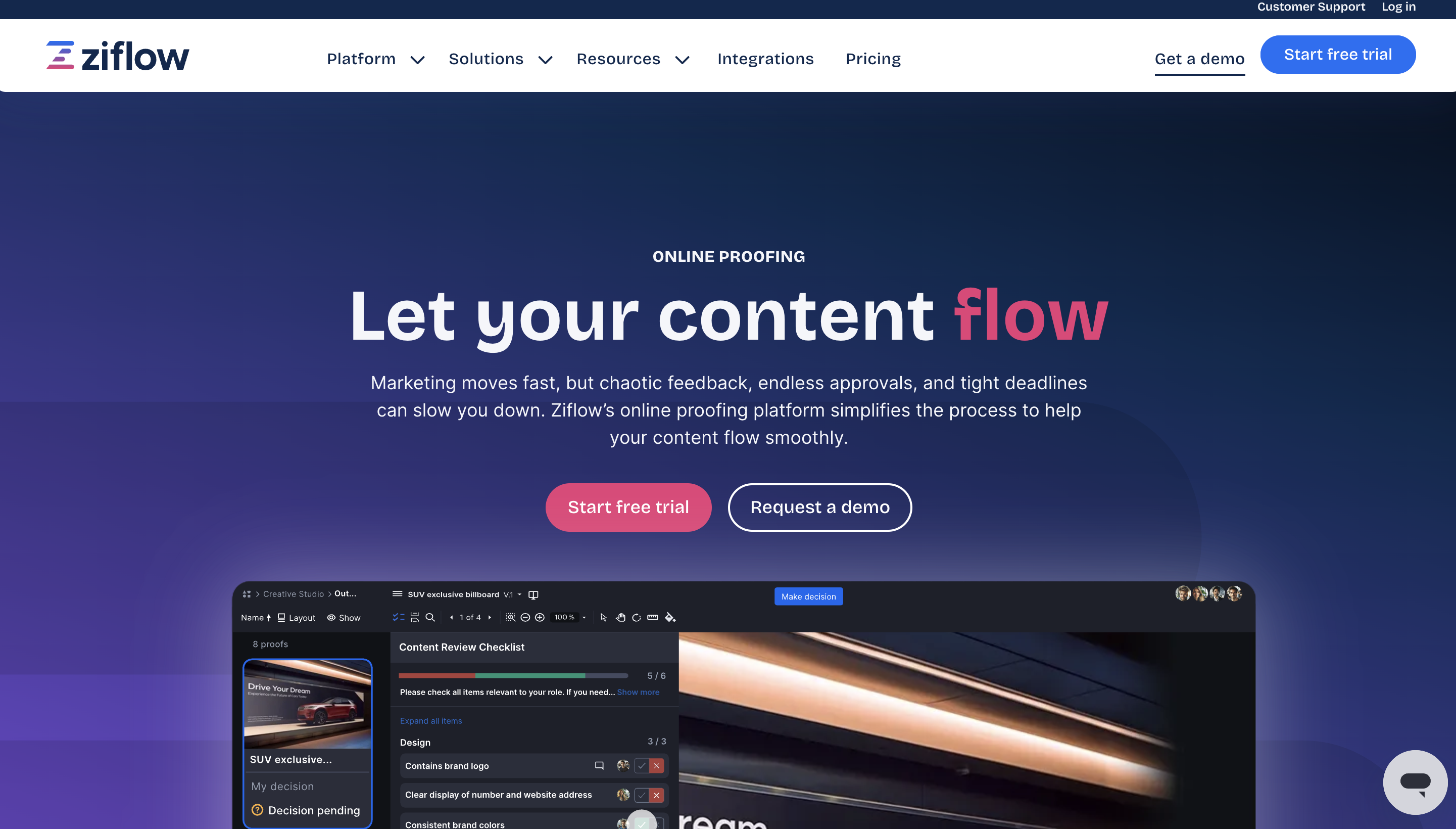
Ziflow is an online proofing platform supporting video, design, and document reviews. It emphasizes automated workflows, markup tools, and enterprise-ready approval logic.
Strengths
Advanced approval automation and routing
Strong markup and annotation tools
Enterprise-friendly permission controls
Limitations
Proofing-focused rather than production-focused
Complex setup for creative teams
Limited visibility beyond approval stages
2. Project Management Tools Not Fit for Video Reviews
Some teams attempt to replace Frame.io using PM tools.
Examples
ClickUp
Monday
Notion
ClickUp
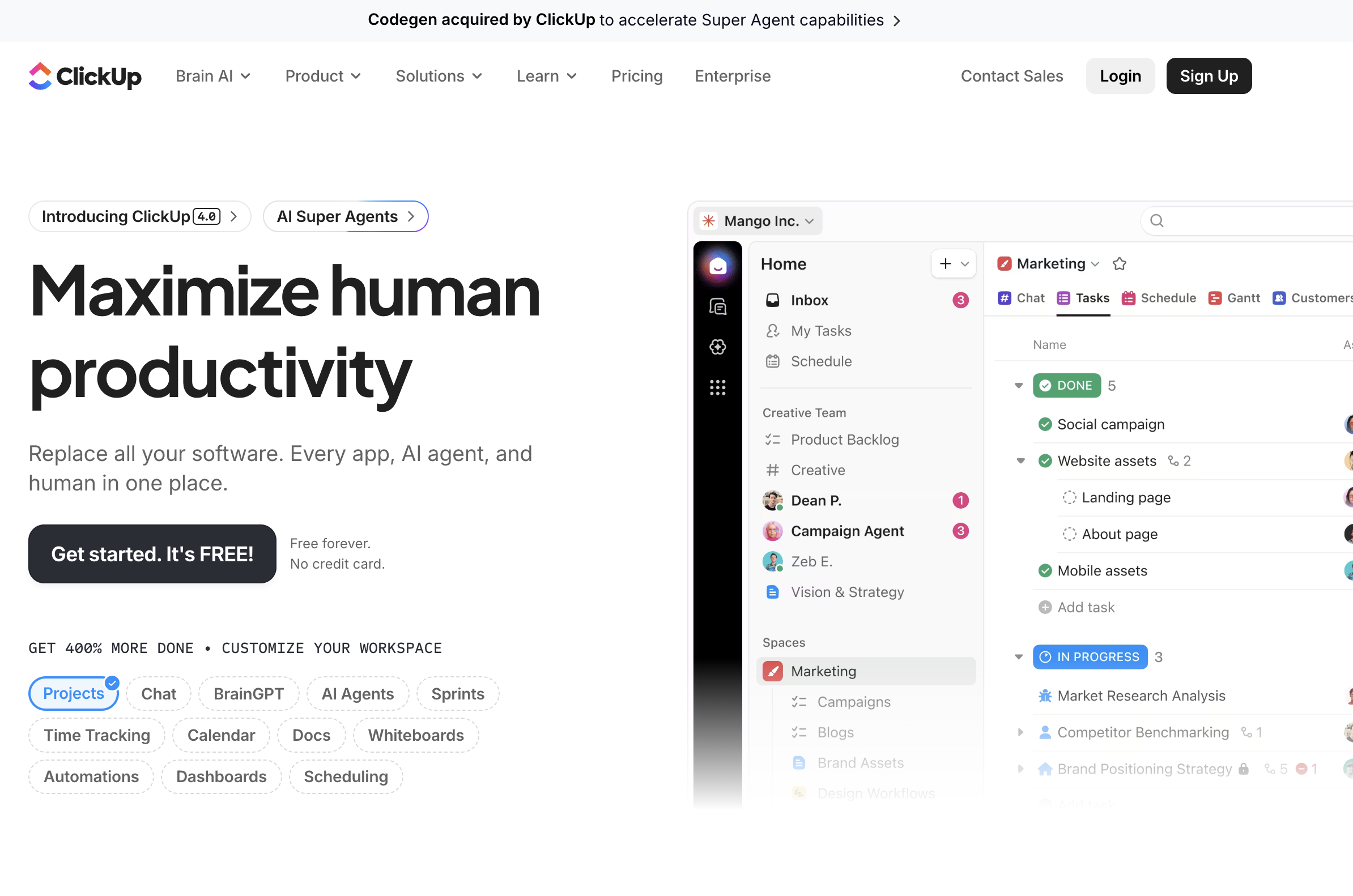
ClickUp is a general project management platform that includes limited video preview and commenting features. Some teams attempt to use it as a Frame.io replacement to consolidate tools.
Strengths
Robust task and project management features
Flexible views and customization options
Can centralize non-creative work in one system
Limitations
Weak native video review experience
Task-first model does not match creative production flows
Poor handling of large media files and versions
Monday
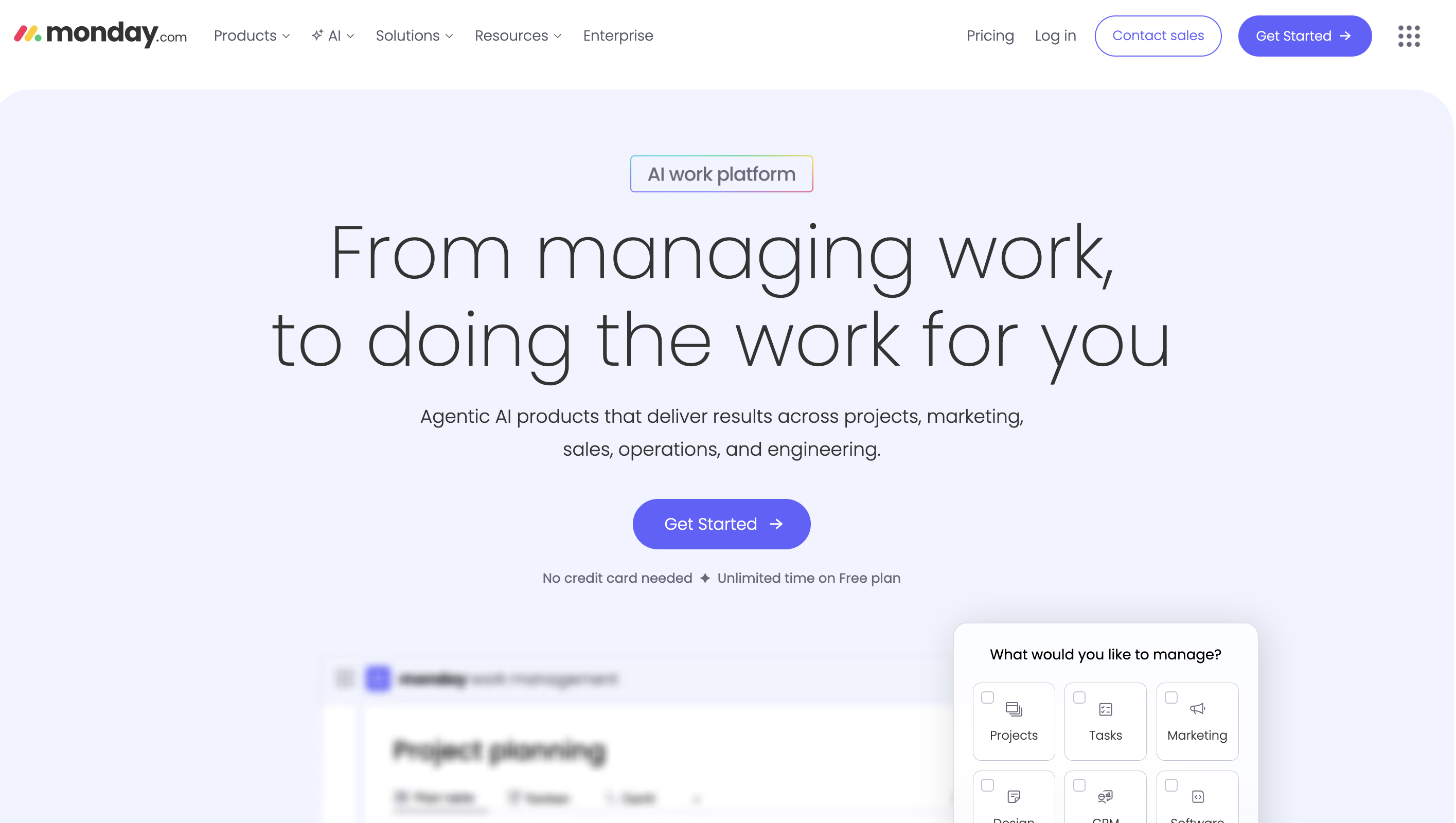
Monday.com is a work management platform focused on task tracking, workflows, and team collaboration across projects. It is highly customizable for operations and project management but is not purpose-built for creative production workflows.
Strengths
Flexible and visual project management with customizable boards and timelines
Supports multiple views (Kanban, Gantt, calendar) for team planning
Built-in automations and integrations with other tools
Limitations
Minimal native video review or frame-accurate commenting capabilities
Task-centric model struggles with complex creative deliverables and asset relationships
Requires significant configuration to model production workflows effectively
Notion
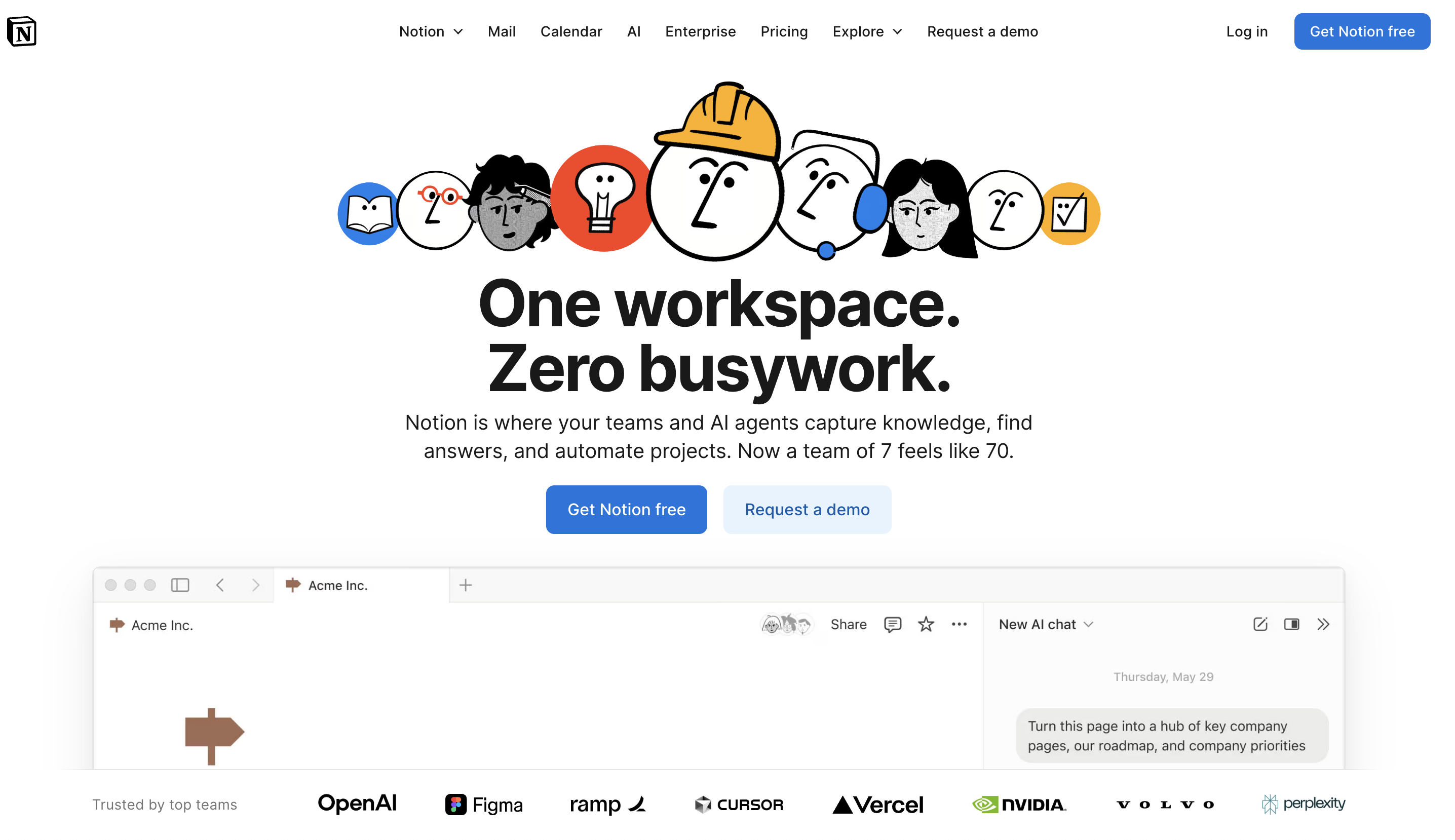
Notion is an all-in-one workspace combining documents, databases, and lightweight project tracking. It excels at documentation and internal knowledge management but requires significant setup to function as a production system.
Strengths
Extremely flexible for documentation, wikis, and structured content
Databases can be adapted for tasks, content calendars, or simple workflows
Clean UI that teams enjoy using for planning and notes
Limitations
No native production workflow logic or approval flows
File handling and media collaboration are limited
Requires heavy manual configuration to replicate structured project management
3. Storage and Transfer Tools Misused for Review
Some teams rely on file tools instead of review platforms.
Examples
Dropbox
Google Drive
Dropbox
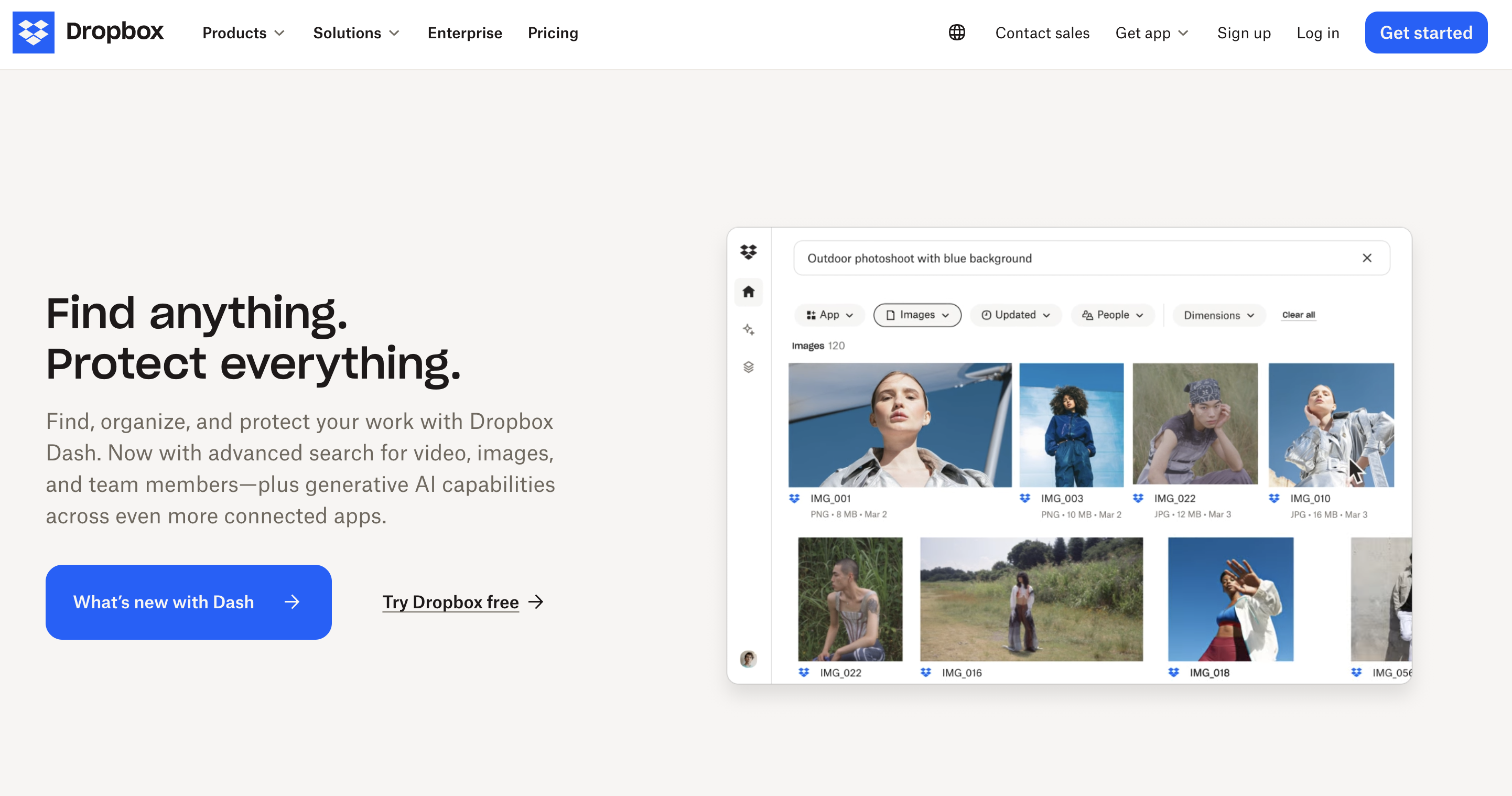
Dropbox is a cloud storage platform designed for file syncing, sharing, and backup. It is excellent for storing and distributing files but offers minimal workflow or project context.
Strengths
Reliable file syncing and version history
Simple sharing with external collaborators
Widely adopted and easy for non-technical users
Limitations
No task management or project structure
Feedback, approvals, and discussions happen outside the platform
Files are disconnected from production stages or responsibilities
Google Drive
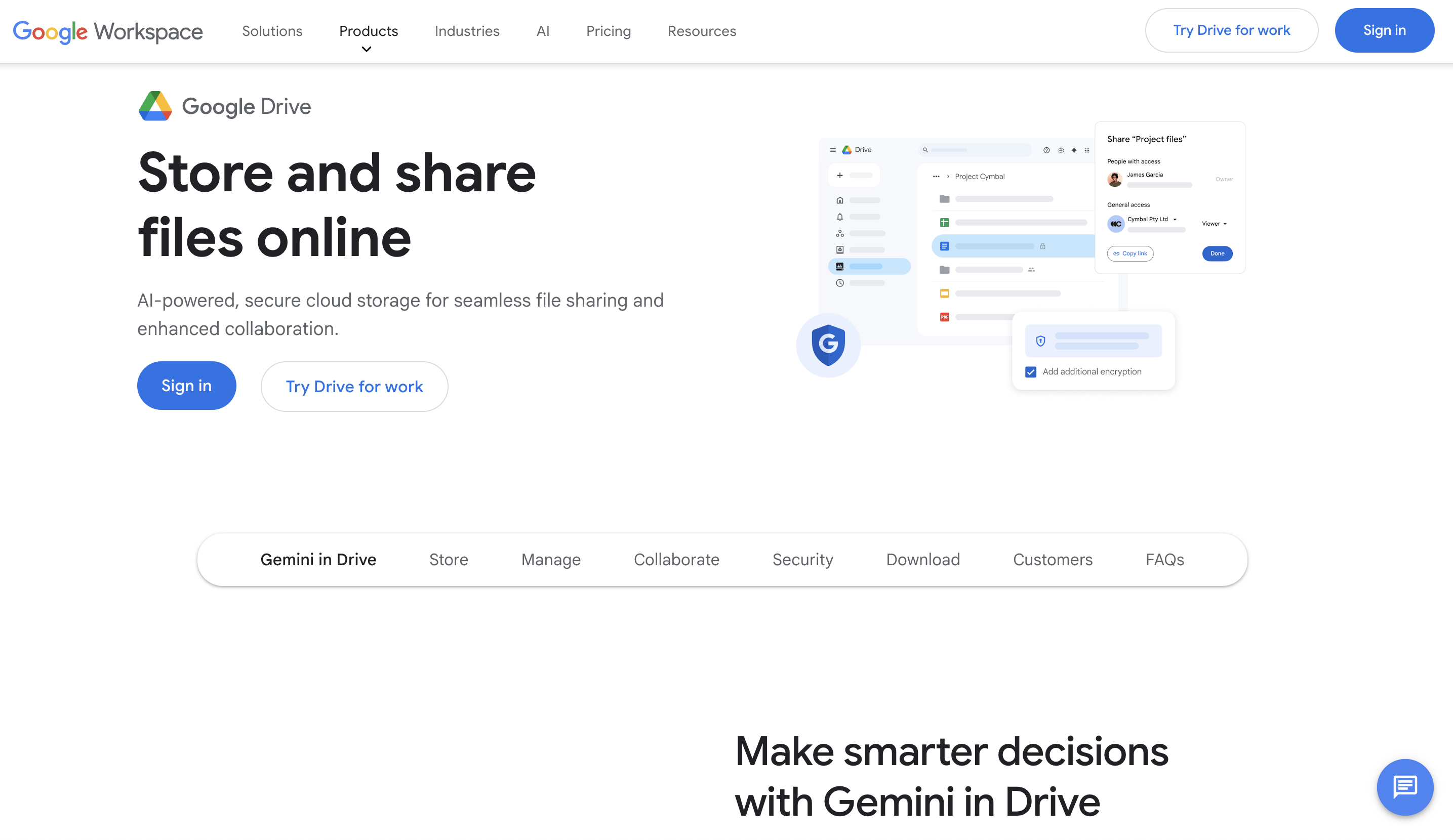
Google Drive is a cloud-based file storage and collaboration platform tightly integrated with Google Docs, Sheets, and Slides. It works well for real-time document collaboration but lacks production management capabilities.
Strengths
Real-time collaboration on documents and spreadsheets
Strong search and sharing controls
Seamless integration with Google Workspace tools
Limitations
Not designed for managing creative production workflows
Media files and feedback are poorly contextualized
No native concept of deliverables, stages, or ownership beyond folders
4. Kreatli - Production Management Platform (New Category)
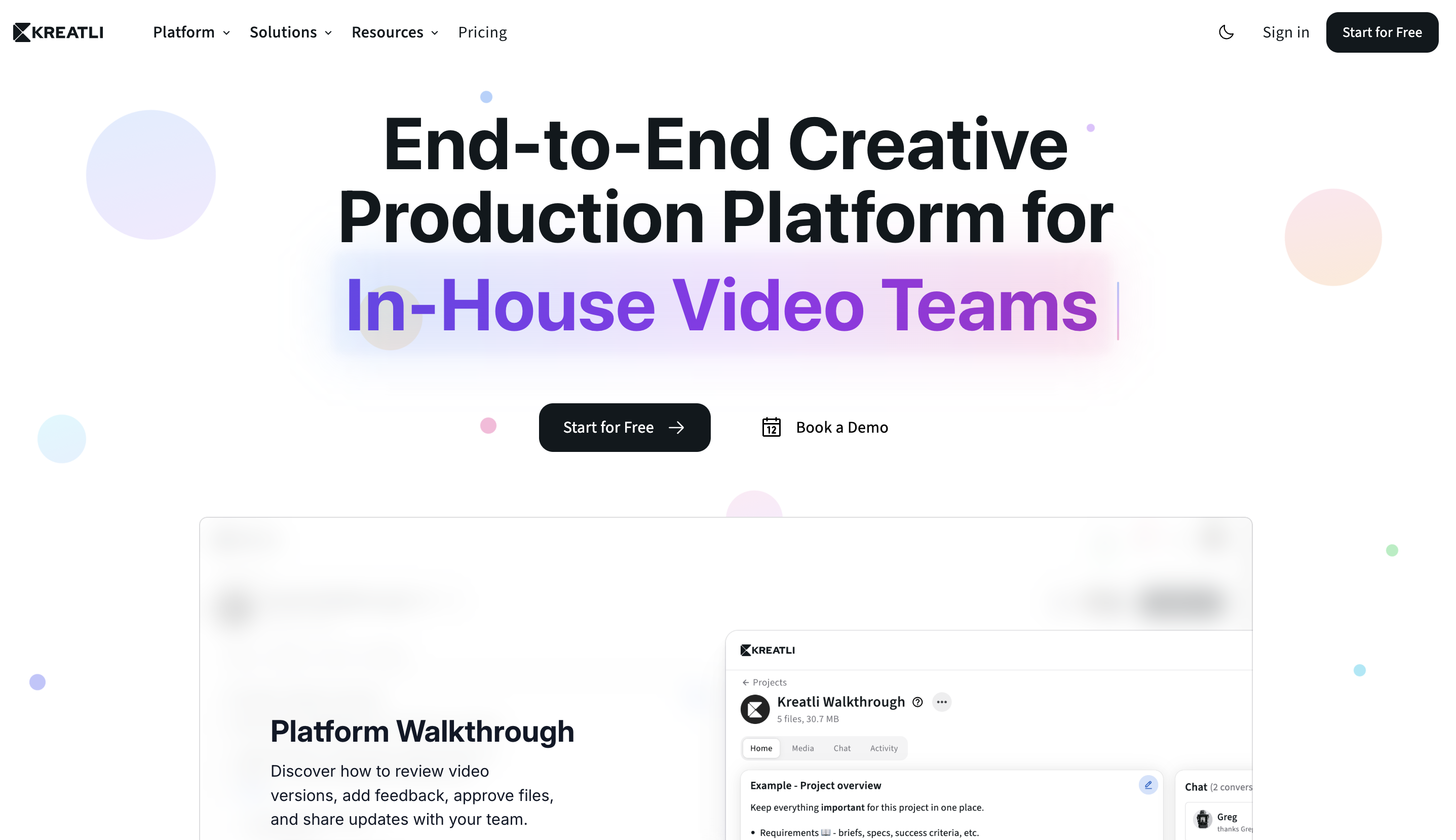
This is where Kreatli sits.
Instead of asking,
“How do we review videos?”
production management platforms ask,
“How do we run creative production end to end?”
Why Kreatli Is Not a Frame.io Copycat
Kreatli is not a review tool.
It is production management software built for creative teams.
1. Deliverables First, Not Files
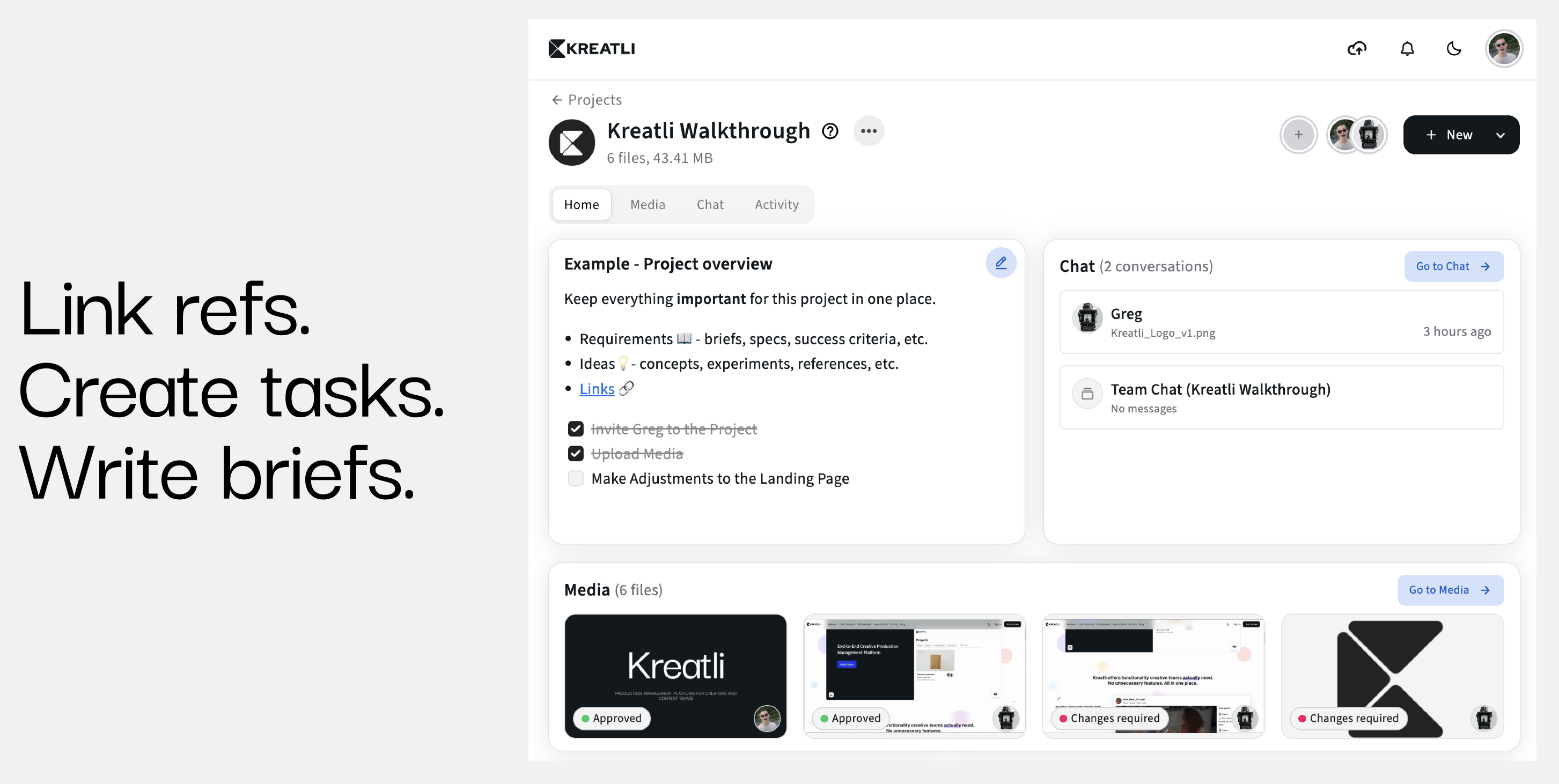
Strengths
Provides explicit ownership, version history, and status per deliverable
Avoids task-list fragmentation by tying execution directly to creative outputs
Makes asset relationships (cutdowns, variants, localizations) clear across campaigns
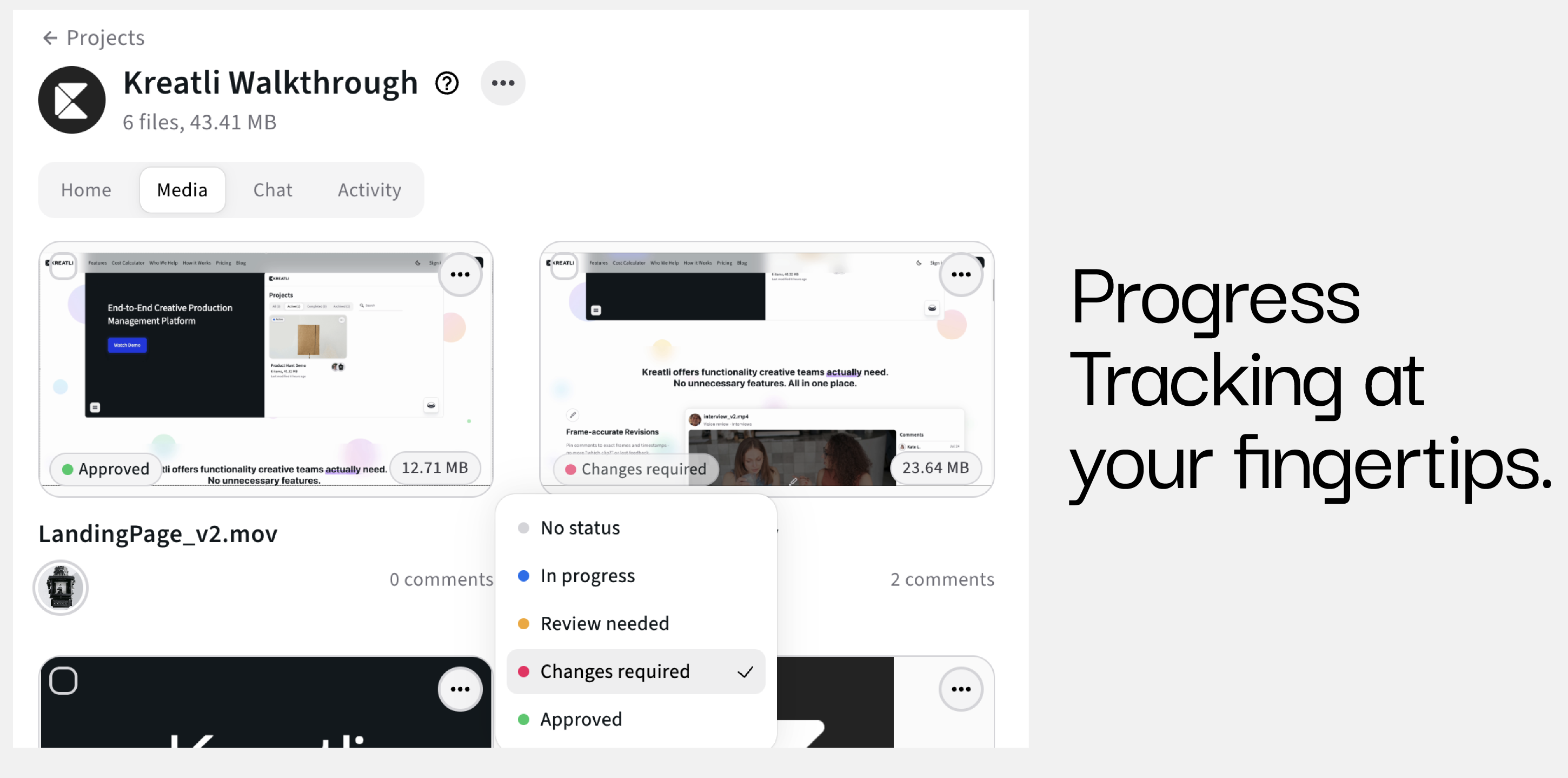
2. Workflow Stages and Production Visibility
Strengths
Standardizes execution across teams and asset types
Enables real-time visibility into status and bottlenecks
Supports consistent handoffs and accountability
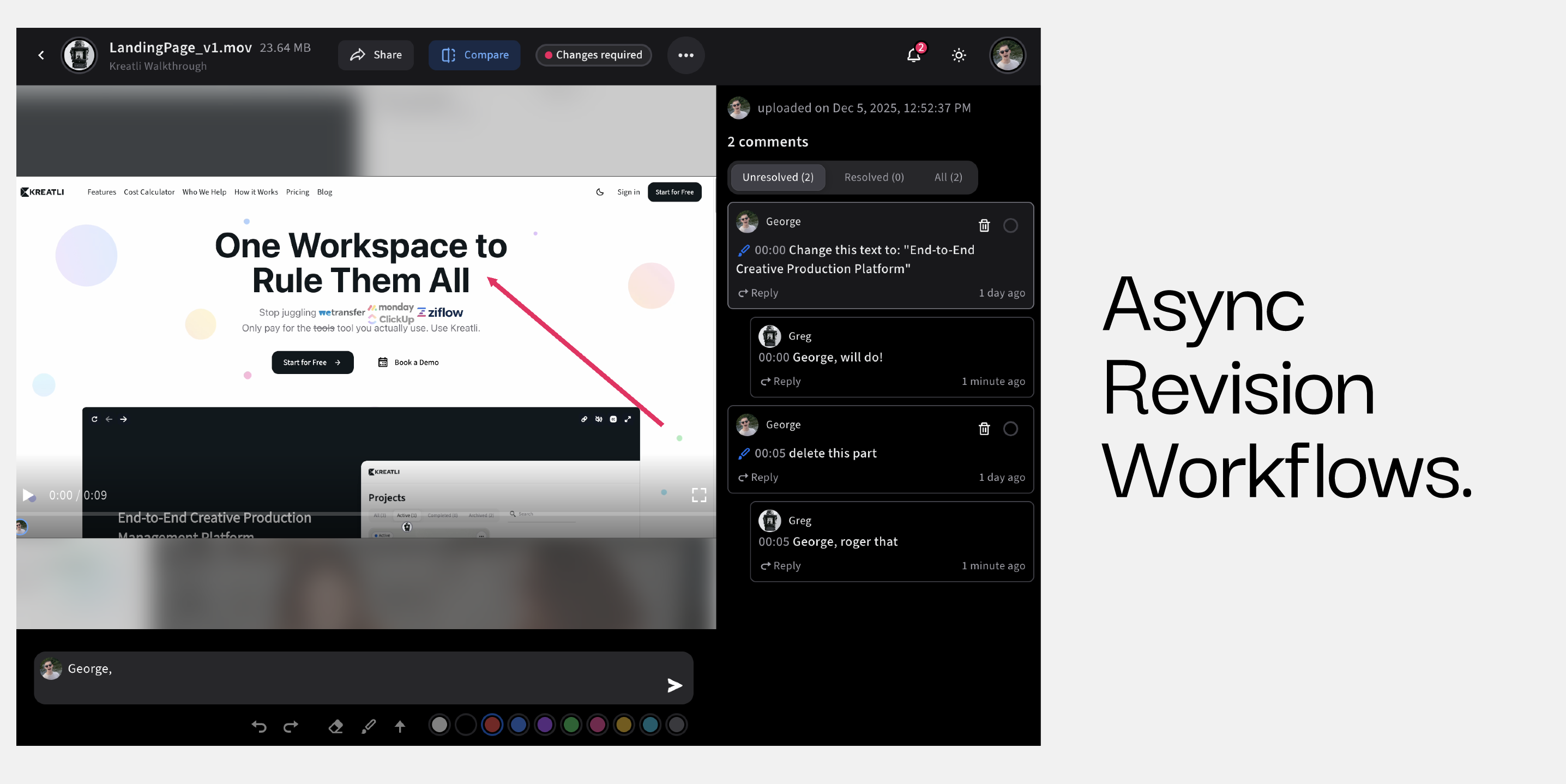
3. Centralized Feedback and Approvals
Strengths
Feedback is asset-centric, not tool-centric
Clear approval status per deliverable and version
Supports multiple stakeholders with role-based review flows
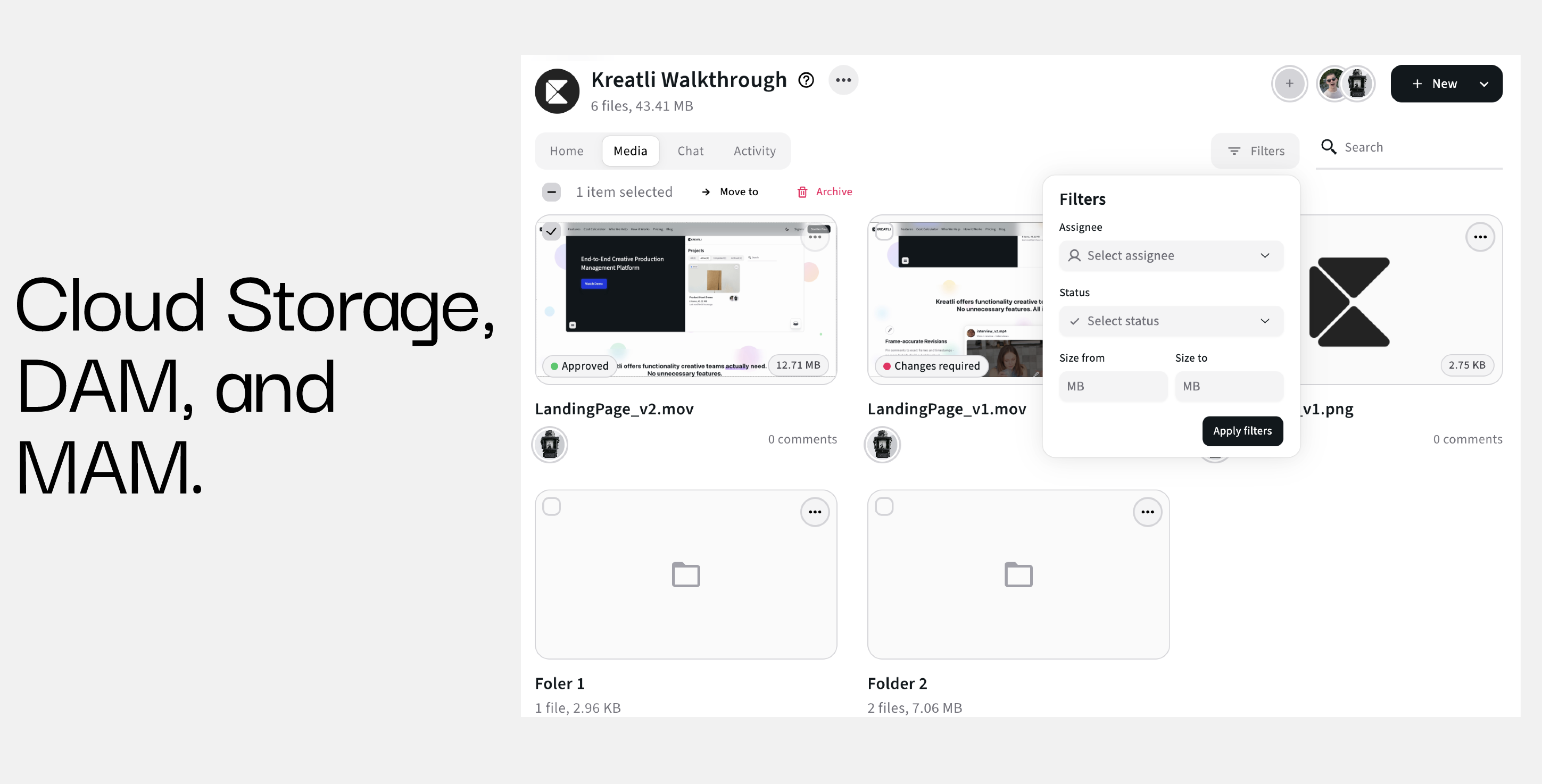
4. Integrated Asset Context (Not Just Storage)
Strengths
Version clarity and history tied to live production context
One source of truth across teams and stakeholders
Eliminates mismatched feedback across siloed systems
When Frame.io Still Makes Sense
Frame.io may still be suitable if:
You only need basic video review
You have a small team
Production complexity is low
You accept fragmented tooling
For most scaling teams, these conditions no longer apply.
When Teams Outgrow Frame.io
Teams typically move on when:
They manage multiple campaigns
They produce dozens of assets per week
They need visibility beyond review
They want fewer tools, not more
This is the inflection point where production management becomes necessary.
Version chaos and fragmented tooling usually start one layer below the review tool, in a media library scattered across drives, buckets, and regions. Iconik is built for that layer: a single pane of glass across any storage, cloud or on-premises, with AI organizing content so teams search once to find anything, anywhere.
Because review, comments, and approvals live in the same workflow as the underlying assets, feedback stays attached to the right version across native iOS, desktop, and web. Iconik connects to AWS, Wasabi, Backblaze B2, Cloudflare R2, and on-prem systems, and plugs into Adobe Creative Cloud and DaVinci Resolve, so scaling teams keep storage costs predictable instead of trading one tool sprawl problem for another.
Recap: Choosing the Right Frame.io Alternative in 2026
Frame.io alternatives fall into three groups:
Review tool copycats
PM tools with weak media support
Storage tools misused for collaboration
Kreatli represents a different category entirely:
production management software built for creative teams.
If video review is your bottleneck, use a review tool.
If production coordination is your bottleneck, use a production platform.
FAQ: Frame.io Alternatives
What is the best alternative to Frame.io in 2026?
It depends on whether you need review-only functionality or full production management.
Is Frame.io enough for large teams?
Not typically, due to limited workflow and visibility features.
How is Kreatli different from Frame.io?
Kreatli manages the entire production lifecycle, not just review and approval.
Can Kreatli replace multiple tools?
Yes. Kreatli is designed to reduce tool sprawl by centralizing production workflows.
Final Recommendation
If you are comparing tools that all look like Frame.io, you are asking the wrong question.
The real question is whether you want to review videos or run video production.
Kreatli is built for the latter.
Go ahead and start using Kreatli for free!