Asana vs Kreatli for Creative Production: Tasks vs Video Review
Asana is a work-management tool: intake forms, tasks, timelines and reporting across a whole company. Kreatli is a review and approval tool for creative files, with tasks and deliverables kept next to the files. Many creative teams use both: Asana to plan the work, Kreatli to collect feedback and approval on the cuts and designs themselves.

Article summary
Asana plans and tracks the work. Kreatli handles timecoded video review and guest approval links with no account. Compare features, prices and how to use both.
Asana vs Kreatli at a glance
Asana | Kreatli | |
|---|---|---|
Built for | Planning and tracking work across teams | Reviewing and approving creative files |
Tasks and timelines | List, board and timeline views, rules and portfolio reporting | Tasks on boards with owners, linked to files, plus deliverables with due dates |
Feedback on files | Proofing (visual feedback on attachments), Advanced plan and above | Timecoded and time-range comments on video, drawn markup, PDF page comments |
Client reviewers | Need an Asana account to view and reply to proofing comments | Open a link, enter a name and comment. No account, no paid seat |
Versions | Files attached to tasks | Version stacks on each asset and side-by-side compare |
Approvals | Approval tasks | Custom approval statuses that guests see on the review link |
Price | Starter $13.49, Advanced $30.49 per user per month (monthly billing) | Creator $14, Team $29 per user per month, 7-day trial |
Asana prices from asana.com/pricing, checked on 2 November 2026. Asana's annual billing is lower: $10.99 (Starter) and $24.99 (Advanced) per user per month.
When Asana is the right choice
Most of your work is tasks and deadlines, and creative files are a small part of it.
You need reporting across departments, portfolios and long-term roadmaps.
Your reviewers are colleagues who already have Asana accounts.
You rely on Asana's rules and integrations to route requests between teams.
Asana Proofing vs Kreatli guest review
Asana Proofing lets people leave visual feedback on an attached file and turns each note into a subtask. It is part of the Advanced plan and above. In Asana's community forum, the team behind its creative production webinar answers that colleagues need an Asana account to view and respond to proofing comments. The same answer notes a 100MB limit per attached file.
That works when every reviewer is already in your Asana workspace. It gets harder with clients, freelancers and stakeholders outside the company, and with video, where feedback needs to point at a moment in the cut.
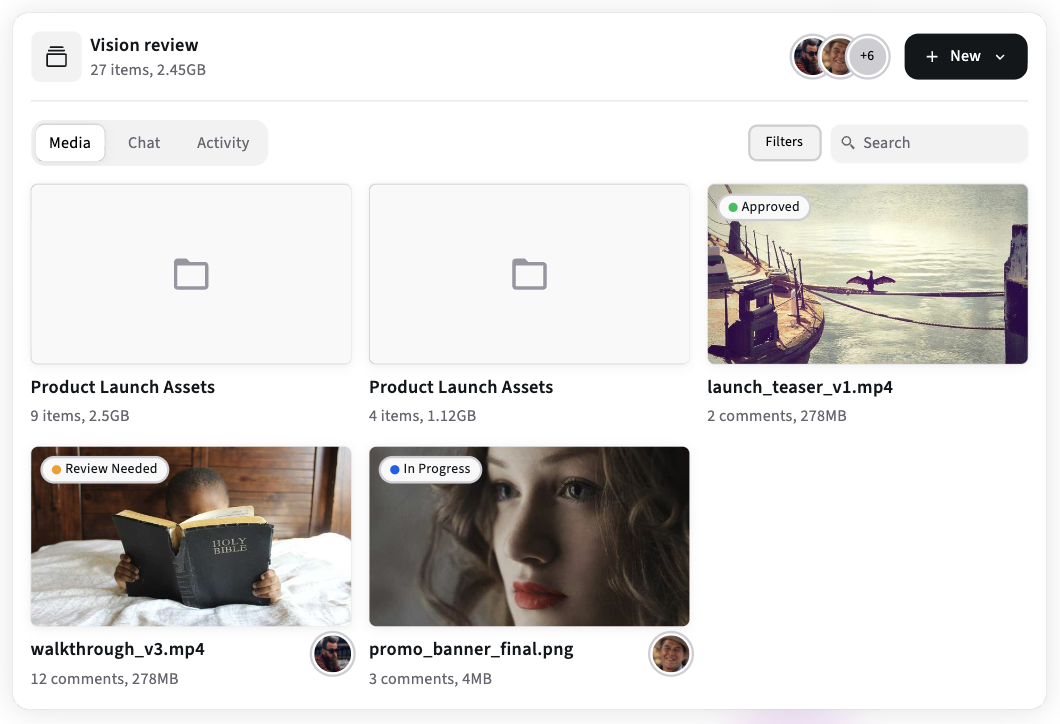
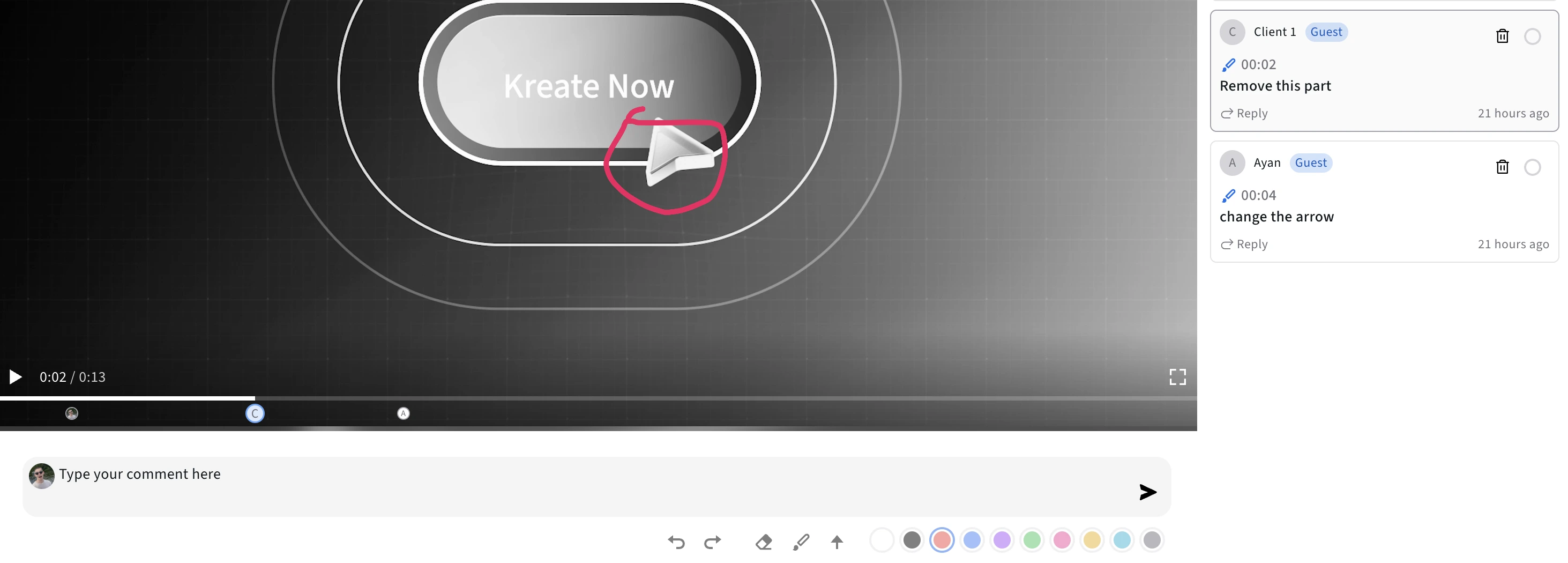
In Kreatli, reviewers open a share link, type their name and comment. Comments on video are pinned to a timecode or a range of the timeline, and reviewers can draw on the frame to show what to change. The same project holds images, PDFs and audio, so a campaign's video, key visuals and copy deck get reviewed in one place. You choose per link whether guests can download the file.
When Kreatli is the right choice
Your clients or stakeholders review video, and notes like "around the middle" waste a round.
Reviewers are outside your company and won't create another account.
You need to know which version was approved.
You want tasks and deliverables next to the files instead of in a separate tool.
Using Asana and Kreatli together
A simple split keeps each tool on its own job without duplicate work:
A request arrives through your Asana intake form and becomes a task with a due date.
The editor or designer uploads the draft to a Kreatli project and adds the review link to the Asana task.
The client and internal reviewers comment in Kreatli. New rounds go onto the same asset as new versions.
When the file's status in Kreatli changes to approved, the owner completes the Asana task.
Asana keeps the company-wide view of what's due. Kreatli keeps the feedback, the versions and the approval on the files themselves. Smaller teams often find Kreatli's tasks and deliverables are enough on their own.
For a wider look at planning tools, see Kreatli vs monday.com and creative project management in Kreatli. To see how review works, read about review and approval in Kreatli or compare plans and pricing.
See how review works in Kreatli
Start a 7-day trial with your own files, or book a 30-minute call and we will walk through your current Asana and review setup.