How to Watch Netflix Together With Friends
Netflix has no watch party button. A Chrome extension adds one, with chat, voice and cameras on the player.

Article summary
Netflix has no watch party button. Here is how to watch Netflix together in sync with AniDachi, what it can and cannot do, and how to fix a party that drifts.
To watch Netflix together, each person plays the film or episode on their own Netflix account, and a browser extension keeps every player at the same moment. Netflix has no button for this. AniDachi is a Chrome extension that adds one, with chat, reactions, voice and cameras on top of the player.
This guide follows how an AniDachi Netflix watch party works: the setup, the limits, the fixes when it will not sync, and how it compares with Teleparty.
Key takeaways
- Netflix has no watch party feature. An extension syncs each person’s own player.
- AniDachi runs in desktop Chrome. Hosting is free for 20 minutes a day with up to 4 people, and friends join free.
- Everyone needs their own Netflix access, on the player page, on the same episode.
Does Netflix Have a Watch Party?
No. Netflix has never shipped a watch party, group watch or synced viewing feature. To watch together you add a tool on top, or you share your screen on a call, which rarely works.
A sync extension sends no video. Each person streams the title from Netflix in their own Chrome tab. The extension passes only play, pause and the current timestamp. Nobody watches a compressed copy of someone else's screen, so the picture stays sharp for the whole group.
How to Start a Netflix Watch Party
Install AniDachi. Open the AniDachi listing in the Chrome Web Store and choose Add to Chrome.
Open the Netflix title. Sign in to your own Netflix account and start the film or episode. The address bar should read netflix.com/watch/ followed by a number. The browse row and the info page are not the player.
Create the room. Click the AniDachi capsule at the top right of the player and choose Create room.
Share the invite link. Paste it into your group chat, or invite saved friends and groups. Friends join free and play the same title on their own Netflix, in sync.
What Works Today and the Limits
Netflix support went live in the AniDachi extension in October 2026. This is what a room does today:
Netflix films and episodes in desktop Chrome
Synced play, pause and seek
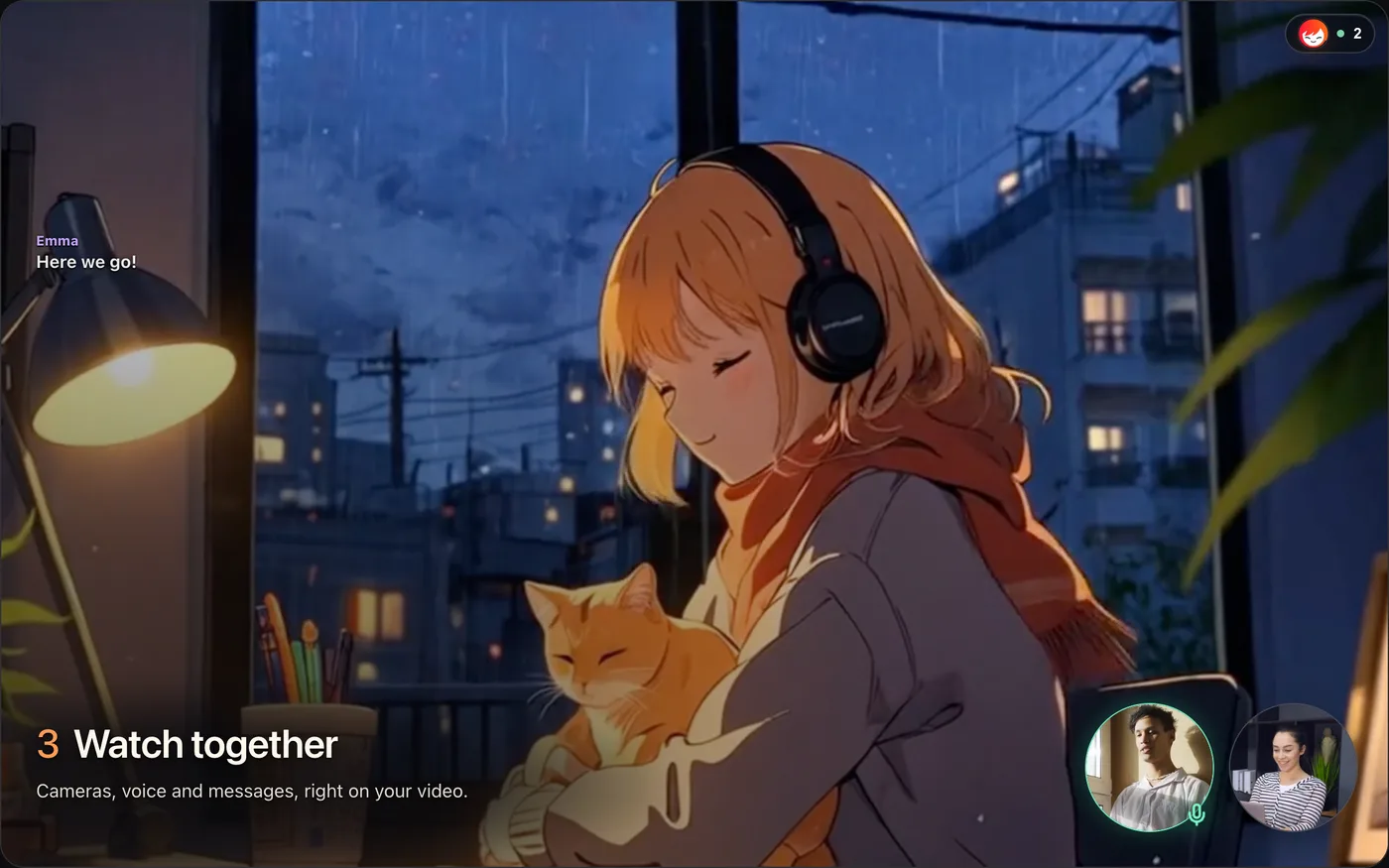
Chat and emoji reactions on the player
Voice and video calls, with push-to-talk on the V key
And this is what it does not do:
Phones, tablets, smart TVs and consoles
Browsers other than Chrome
Trailers and recap clips, which are not synced
Netflix's plan with ads is an open question. AniDachi says it has not confirmed support for it yet. If someone in your group is on that plan, run a short test room before movie night.
Room size
Free rooms hold up to 4 people, including the host, for 20 minutes a day. A Plus host ($7.99 a month) can have up to 6 people and a Pro host ($14.99 a month) up to 15. Plus and Pro have no daily time limit.
Voice and video
The host decides who gets a microphone or camera seat. Up to four cameras can be on at once. Hold V to talk, or click the microphone to leave it open.
Playback
The host controls play, pause and seeking for the room. Guests can still chat and react, and talk once the host gives them a microphone seat.
Does Everyone Need Netflix?
Yes. Every tool that syncs Netflix works the same way: each person's browser plays the title from Netflix. That is true for AniDachi and for Teleparty. AniDachi never shares a Netflix login or a video stream.
Borrowing a login does not get around it. Netflix's Help Center says an account may not be shared outside your household. Two people in the same home can use separate profiles on one account if the plan allows enough streams at once. Friends in different homes each need their own.
AniDachi accounts are a separate matter. Friends join a room on a free account. Only the host's plan sets the room size, so for a group of five, one person needs Plus or Pro to host.
Netflix Watch Party Not Working?
Most failed nights come down to one person being somewhere slightly different. Run through this list before anyone reinstalls anything.
Wrong page. AniDachi works on the player page only. If a friend is on the home row or the title's info page, have them press play first.
Different episode or version. Say the season and episode number out loud. No tool can line up Episode 3 with Episode 4.
Region catalogues. Netflix titles differ by country. If one friend cannot find the title, it may not be licensed where they live. Pick something everyone can open.
Profiles. A Kids profile or one with maturity limits can hide a title. Switch to a profile that shows it.
Browser. Use desktop Chrome. AniDachi does not run in Safari, Firefox or the Netflix apps.
Extension not ready. Pin AniDachi from Chrome's puzzle-piece menu, then refresh the Netflix tab once so it loads on the page.
Trailer or recap playing. These do not sync. Skip to the main film or episode.
Why Netflix Goes Black on Discord
Sharing Netflix in a Discord call often shows friends a black screen, because Netflix protects its video from screen capture. No Discord setting fixes that.
The cleaner setup is to keep Discord for voice and let the extension sync the video. Or drop the second app and use the voice and cameras built into the AniDachi room.
What Happened to Netflix Party?
Netflix Party was renamed Teleparty in October 2020, when it added other streaming services. It still works on Netflix today. It was never a Netflix product. It was an independent Chrome extension that put a chat sidebar next to the player and kept everyone's play and pause in step.
A search for the old name still lands on Teleparty. Other extensions with similar names come from different developers, so check that the one you install links to teleparty.com.
AniDachi vs Teleparty on Netflix
Teleparty is the best-known Netflix sync extension. Here is how the two line up for a Netflix night.
Cost to host. AniDachi is free for 20 minutes a day with up to 4 people. Teleparty has a free tier with sync and text chat.
Voice and video chat. Included in AniDachi rooms. Part of Teleparty Premium.
People per party. AniDachi holds 4, 6 or 15 depending on the host's plan. Teleparty supports far larger parties.
Where it runs. AniDachi runs in desktop Chrome. Teleparty also lists other browsers and mobile apps.
Other services. AniDachi covers Crunchyroll and YouTube. Teleparty lists Disney+, Hulu, Prime Video and more.
Pick Teleparty if your group needs phones, a browser other than Chrome, a very large party, or services such as Disney+ and Hulu. Pick AniDachi if you want to see and hear each other while you watch without everyone paying for voice, and if your group also watches anime on Crunchyroll or videos on YouTube.
For those services, see how to watch Crunchyroll together. AniDachi does not support Prime Video yet. What works there today is in how to watch Prime Video together.
Planning the Night
One film with friends or a partner. Pick by mood and runtime, and set one start time across time zones. A full film runs past the free 20 minutes, so the host needs Plus or Pro.
A bigger group. Free rooms hold 4 people, Plus 6 and Pro 15. The host controls playback for everyone, so agree that people ask in chat or by voice when they need a break.
Two people in different cities. A weekly episode fits a regular night better than a long film. Check the day before that the title is on Netflix in both countries.
A watch party is for finished titles on a streaming service. If the video is your own work in progress, a review tool fits better: in Kreatli, reviewers leave timecoded comments on the video from a link, with no account needed.
Disclosure: AniDachi and Kreatli share a founder. AniDachi details were checked against its own pages on 14 November 2026. Neither product is affiliated with Netflix or Teleparty.
Frequently asked questions
Reviewing your own cut instead?
Share a link, collect timecoded comments from clients and teammates, and keep every version in one place.