Prime Video Watch Party Is Gone. What to Use Instead
Amazon dropped the feature in 2024 without an announcement. Groups that relied on it need a new setup.
Article summary
Amazon removed Prime Video Watch Party in 2024. Here are the three ways to watch Prime Video together today, what each one costs you, and where they fall short.
Prime Video no longer has a watch party. Amazon removed the feature in spring 2024, and nothing has replaced it. To watch a Prime Video title together today, you use a third-party sync extension, or you count down on a call and press play at the same time.
If your team used Watch Party for a remote film night or to study a series together, the old habit just stopped working. Here is what changed and what to set up in its place.
Key takeaways
- Amazon removed Prime Video Watch Party in spring 2024. It has not come back.
- A sync extension is the only setup that survives a pause. A countdown drifts every time.
- One Amazon account can play the same video on two devices at most, so groups need their own access.
What Happened to Amazon Watch Party
Watch Party let Prime members start a title together and talk in a shared chat. It was included with Prime. Amazon dropped it in spring 2024 without a public announcement. Reports at the time put the end date at 2 April 2024, and the help pages were taken down.
Prime Video was not the only one. Disney+ removed GroupWatch the year before. Streaming services have been leaving this job to outside tools, so a search for "Amazon watch party" now leads to a browser extension.
Three Ways to Watch Prime Video Together Today
The three setups differ in how well playback holds together after someone pauses.
A sync extension
Each person plays the title on their own account, and the extension keeps the players in step. Teleparty lists Prime Video on its free version, with video sync and text chat. Its voice and video chat need Teleparty Premium.
A countdown
Everyone opens the same title and presses play on three. It costs nothing and works on TVs and phones. The players drift apart within minutes, and every pause needs another countdown.
A screen share
One person shares their screen on a call. With Prime Video this usually shows a black screen to everyone else.
AniDachi keeps a dated page on the state of the Prime Video watch party, with the sources for the removal and a then-and-now table. It is a useful reference if you need to explain the change to a group.
Does Everyone Need Prime Video?
Yes, for any setup that plays the video on each person's screen. Sync tools line up separate players. Nobody's video is sent to the others.
Sharing one login only goes so far. Prime Video's Usage Rules allow up to three streams at once on one Amazon account, but the same video on no more than two devices at a time. Two people can watch one film on one account. A third needs their own.
Titles also differ by country. A team spread across regions should check that everyone can open the title the day before.
Why Prime Video Goes Black on a Call
Prime Video protects its video with DRM. A share in Discord, Zoom or Meet often shows a black screen with the audio still playing. Prime Video's terms forbid working around the protection, so there is no setting to change.
The fix is to stop sending video. Keep the call for voice, and have each person play the title on their own account. A call is good at carrying talk and bad at carrying picture, and a sync tool sends only play, pause and a timestamp.
Where AniDachi Fits
AniDachi is a Chrome extension that keeps each person's player on the same moment, with chat, reactions, voice and cameras in the room. It does not support Prime Video yet. The company says support is coming in an update and that it will list Prime Video only once it works in the Chrome Web Store version.
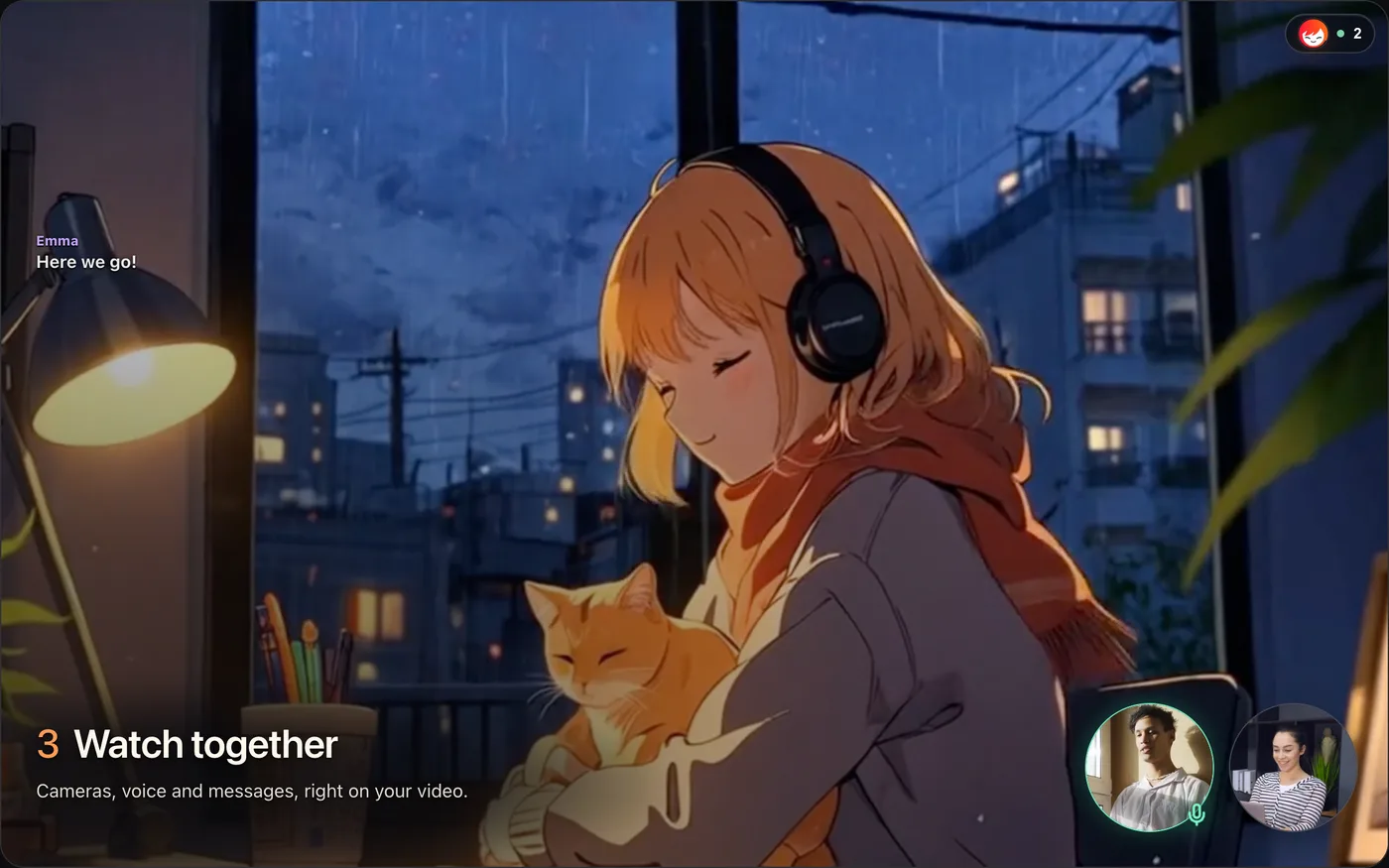
Today it covers three services in desktop Chrome:
Netflix, which we walk through in how to watch Netflix together remotely
Crunchyroll, covered in how to watch Crunchyroll together
YouTube, on full watch pages
So for a Prime Video title this week, use a tool that lists Prime Video. If the same film is also on Netflix where you live, a Netflix watch party gives you voice and cameras in the room on the free plan, for 20 minutes a day with up to 4 people.
A Checklist for the Night
Confirm each person can open the title in their country.
Count the accounts. More than two viewers cannot share one Amazon login for the same video.
Agree on the tool a day ahead, and have everyone install it before the start time.
Say the season and episode number out loud before pressing play.
Use the call for voice only. Do not share the screen.
Agree on who may pause. One host is simpler than six.
If the Video Is Your Own
All of the above applies to licensed titles on a streaming service. Work in progress is a different problem. Your cut is not on Prime Video, the reviewers are rarely free at the same hour, and the notes have to survive after the call ends.
For that, use a review tool. In Kreatli, reviewers open a link and leave timecoded comments on the video, guests need no account, and each new version stacks on the last so you can compare them. Plans are on the pricing page.
Disclosure: AniDachi and Kreatli share a founder. AniDachi details were checked against its own pages on 14 November 2026. Neither product is affiliated with Amazon, Prime Video or Teleparty.
Frequently asked questions
Reviewing your own cut instead?
Share a link, collect timecoded comments from clients and teammates, and keep every version in one place.