How to Send a Video via Email (And When You Shouldn’t)
Learn how to send a video through email, understand file size limits, and discover better ways to share videos for review and approval.

Article summary
Learn how to send a video through email, understand file size limits, and discover better ways to share videos for review and approval.
Sending a video through email sounds simple - until it isn’t.
You attach the file, hit send, and suddenly you’re dealing with file size limits, failed uploads, compressed quality, or confused recipients. For creative teams working with video daily, email quickly becomes a bottleneck rather than a solution.
In this guide, we’ll explain how to send a video via email, when it actually works, and - most importantly - when you should stop emailing videos altogether and use a better workflow.
Can You Send a Video Through Email?
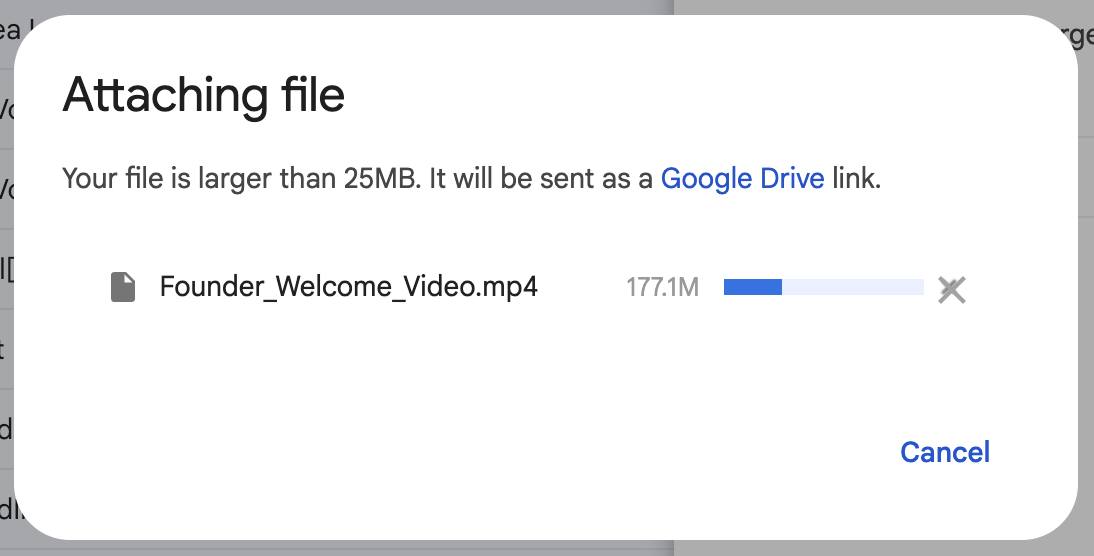
Yes - but only under very specific conditions.
Most email providers impose strict attachment limits:
Gmail: up to 25 MB
Outlook: up to 20 MB
Apple Mail: varies by server, usually ~20 MB
A few seconds of HD video can exceed these limits instantly.
You can send a video through email only if the file is small enough to fit within attachment limits, or if you share a link instead of attaching the file.
How to Send a Video Through Email (Step-by-Step)
Option 1: Attach the Video File (Small Files Only)
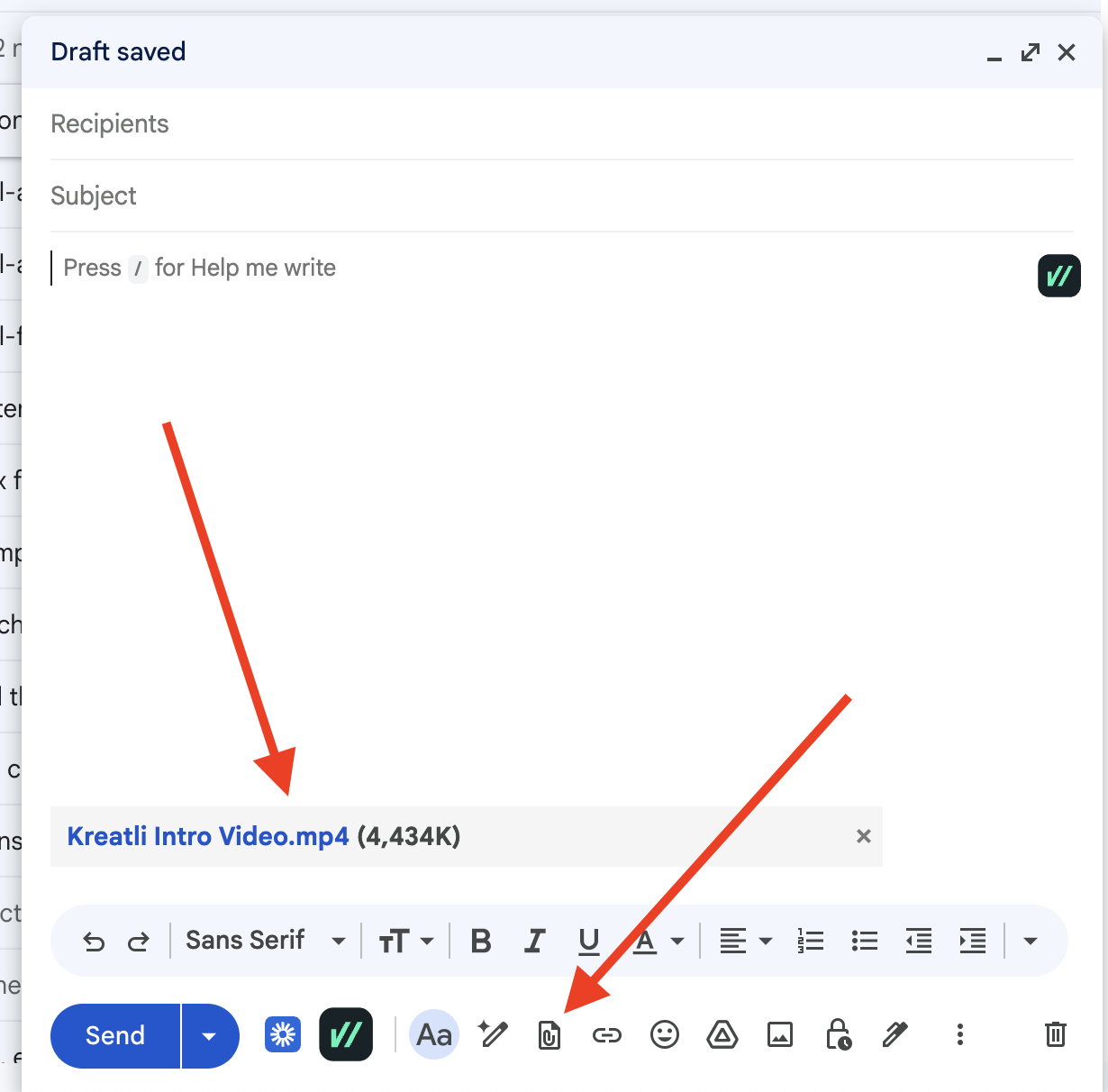
This method works only for very short, low-resolution videos.
Steps:
Compress or export the video at a lower resolution
Attach it to your email
Send normally
Limitations:
Quality loss due to compression
Attachment size limits
No context or feedback tracking
This approach is rarely suitable for professional creative work.
Option 2: Share a Cloud Storage Link
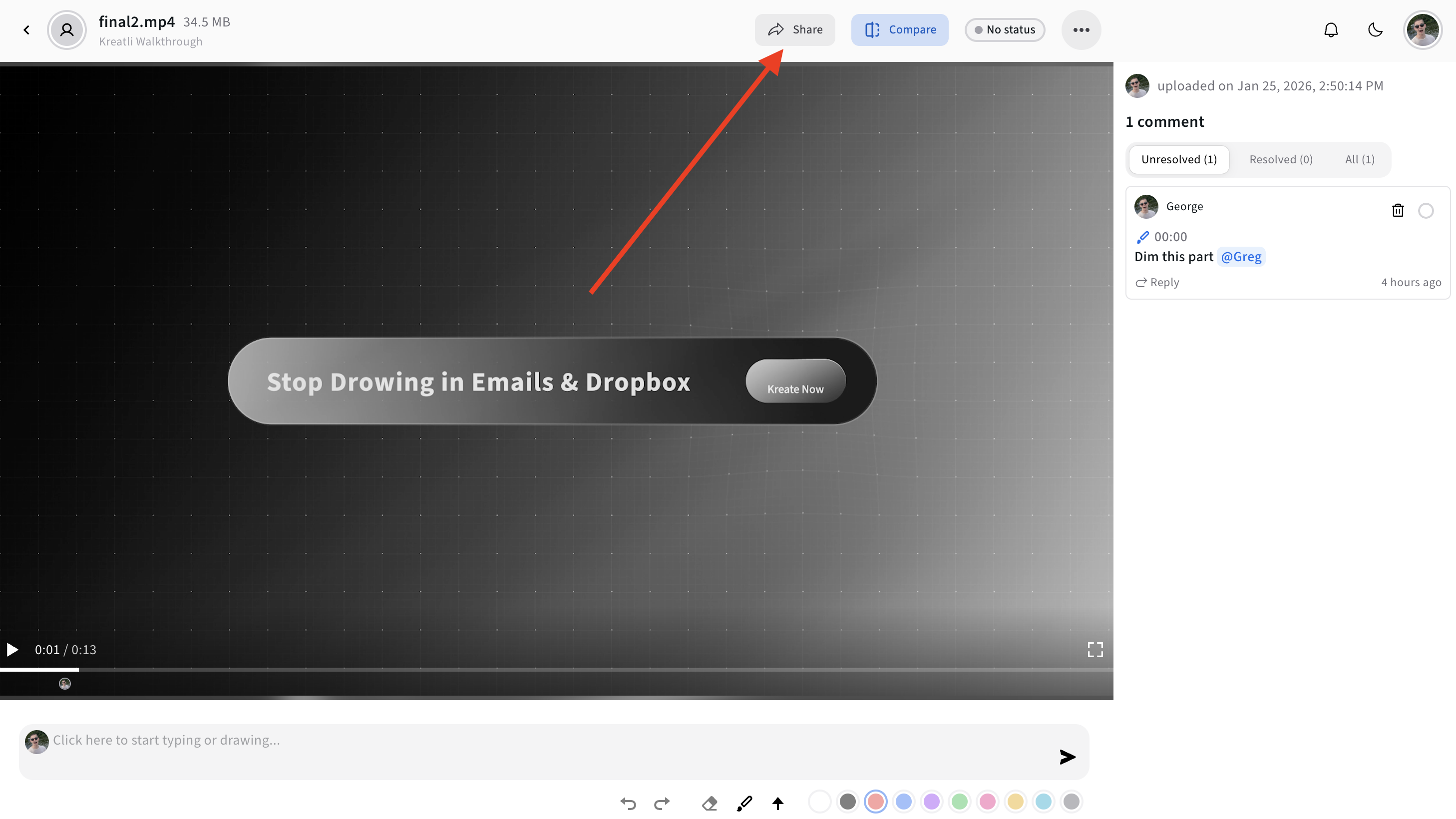
Most email clients automatically switch to cloud storage when files are too large.
Steps:
Upload the video to Google Drive, Dropbox, or Kreatli
Generate a shareable link
Paste the link into your email
Better - but still flawed.
You’ve solved the size issue, but not collaboration.
Related reading →
https://kreatli.com/blog/cloud-file-sharing
The Real Problem with Emailing Videos
Email was never designed for creative collaboration.
When teams rely on email to send videos, they usually encounter:
Feedback spread across long email threads
Comments that lack timestamps or frame context
Confusion over which version is “final”
No audit trail for approvals
This is why emailing videos works for delivery, but fails for review, feedback, and approval.
When You Should NOT Send a Video via Email
Avoid emailing videos if:
You need feedback or approvals
Multiple stakeholders are involved
The video will go through revisions
You want to track decisions and changes
You’re working with clients or external partners
At this point, you’re no longer “sending a file” - you’re running a production workflow.
A Better Way: Share Videos for Review Instead of Email
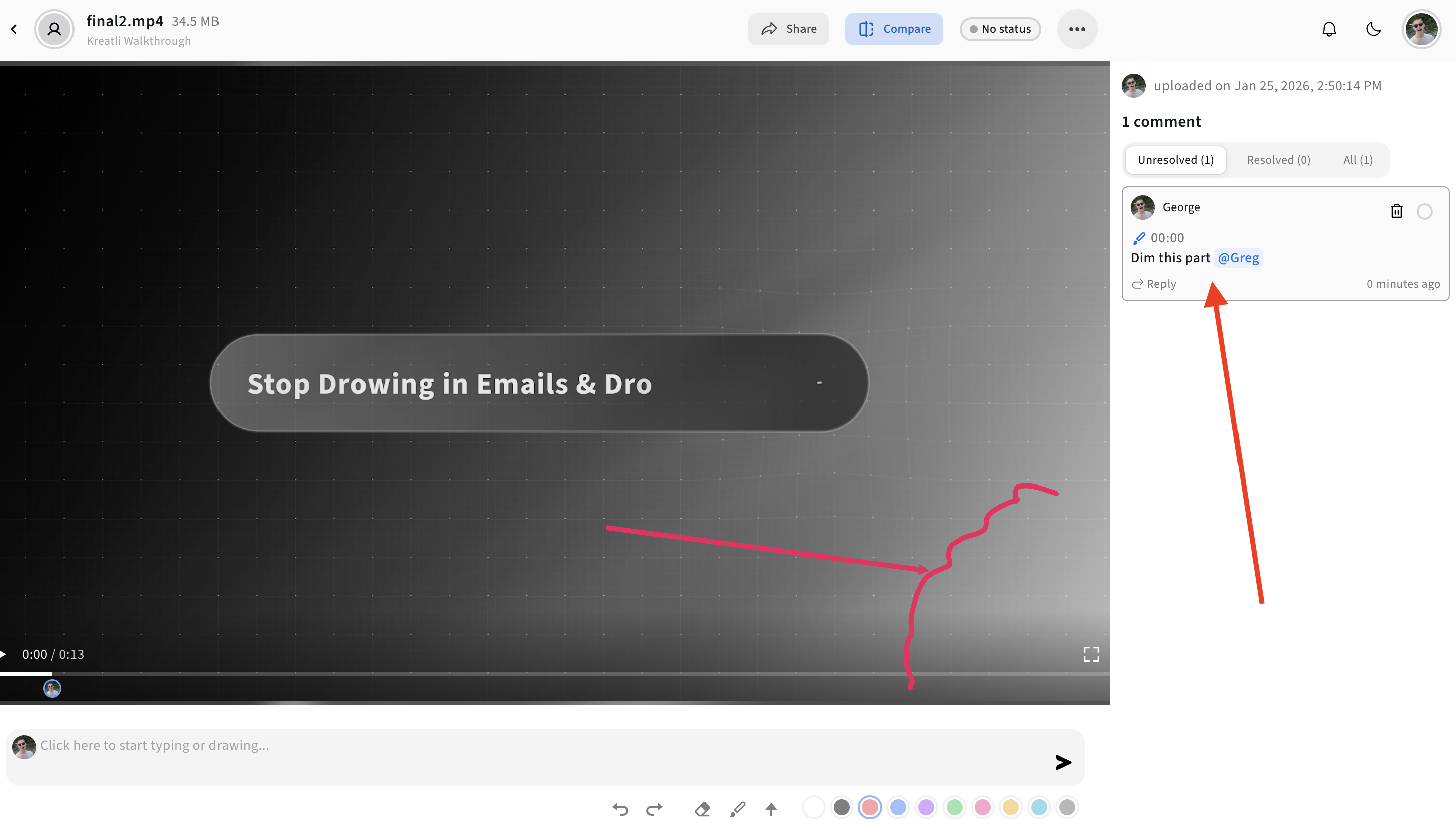
Modern creative teams use Video Collaboration & Review Platforms to replace email-based workflows.
Instead of attachments or raw links, you:
Upload the video once
Share a review link
Collect frame-accurate comments
Track revisions and approvals in one place
This is where Kreatli fits naturally.
Kreatli combines video review, annotation, versioning, and project orchestration into a single workflow - so videos don’t get lost across inboxes, drives, and chats.
Continue reading:
https://kreatli.com/platform/share-video
Free Tools for Video Sharing & Prep
If you’re still figuring out how to send or prepare videos, Kreatli also offers free tools to support common pre-review tasks:
Data Transfer Calculator
Estimate how long video uploads or downloads will take
https://kreatli.com/free-tools/data-transfer-calculatorVideo Frame Extractor
Pull high-quality frames for thumbnails or previews
https://kreatli.com/free-tools/video-frame-extractorSocial Media Safe Zone Checker
Ensure text and logos won’t be hidden by platform UI
https://kreatli.com/social-media-safe-zone-checker
These tools help teams reduce rework before sharing videos for review.
Email vs Video Review Platforms (Quick Comparison)
Method | Works for Delivery | Works for Feedback | Scales for Teams |
|---|---|---|---|
Email attachments | Yes (small files) | No | No |
Cloud storage links | Yes | Limited | Poor |
Video review platform | Yes | Yes | Yes |
Best Practice: Use Email for Notifications, Not Videos
Email still has a role - but a narrow one.
Use email to:
Notify stakeholders a video is ready
Share a review link
Confirm approvals
Do not use email to:
Collect feedback
Manage revisions
Track decisions
That’s the job of a dedicated video collaboration & review platform.
Final Thoughts
If you’re asking “How do I send a video through email?”, the honest answer is often: you shouldn’t.
Emailing videos is a workaround - not a workflow.
As video production scales across teams, clients, and channels, the fastest path forward is to share videos for review, not as attachments. Platforms like Kreatli help creative teams move from fragmented email threads to structured, trackable video collaboration - without adding complexity.
FAQ: Sending Videos via Email
How do I send a video through email?
You can attach small videos directly or share a cloud storage link for larger files.
Why can’t I email large video files?
Email providers limit attachment sizes to prevent server overload.
What’s the best way to send videos to clients?
Share a review link using a video collaboration platform instead of emailing files.
Is it better to email a video or share a link?
Sharing a link is better - but sharing a review link is best.
Ready to see how it works?
Visit Kreatli to explore project templates, playback reviews, and file exchange views that streamline creative production.