YouTube channel banner dimensions (2026)
YouTube channel banner size, safe area and file requirements, checked against YouTube Help on 2026-10-16.
| Spec | Value |
|---|---|
| Recommended size | 2560 × 1440 px |
| Safe zone (text & logos) | 1546 × 423 px |
| Minimum size | 2048 × 1152 px |
| Max file size | 6 MB |
| Accepted formats | JPG, PNG, GIF, BMP |
Use the free YouTube banner resizer to preview safe zones on desktop, mobile, tablet, and TV.
Quick answers
Short answers to common searches—see the full guide below for depth, templates, and workflows.
YouTube Banner Resizer Guide: Best Practices (2026)
Resize and optimize YouTube channel banners correctly. Learn banner dimensions, safe zones, and how to use Kreatli’s free YouTube Banner Resizer.
Article summary
Resize and optimize YouTube channel banners correctly. Learn banner dimensions, safe zones, and how to use Kreatli’s free YouTube Banner Resizer.
YouTube Banner Resizer
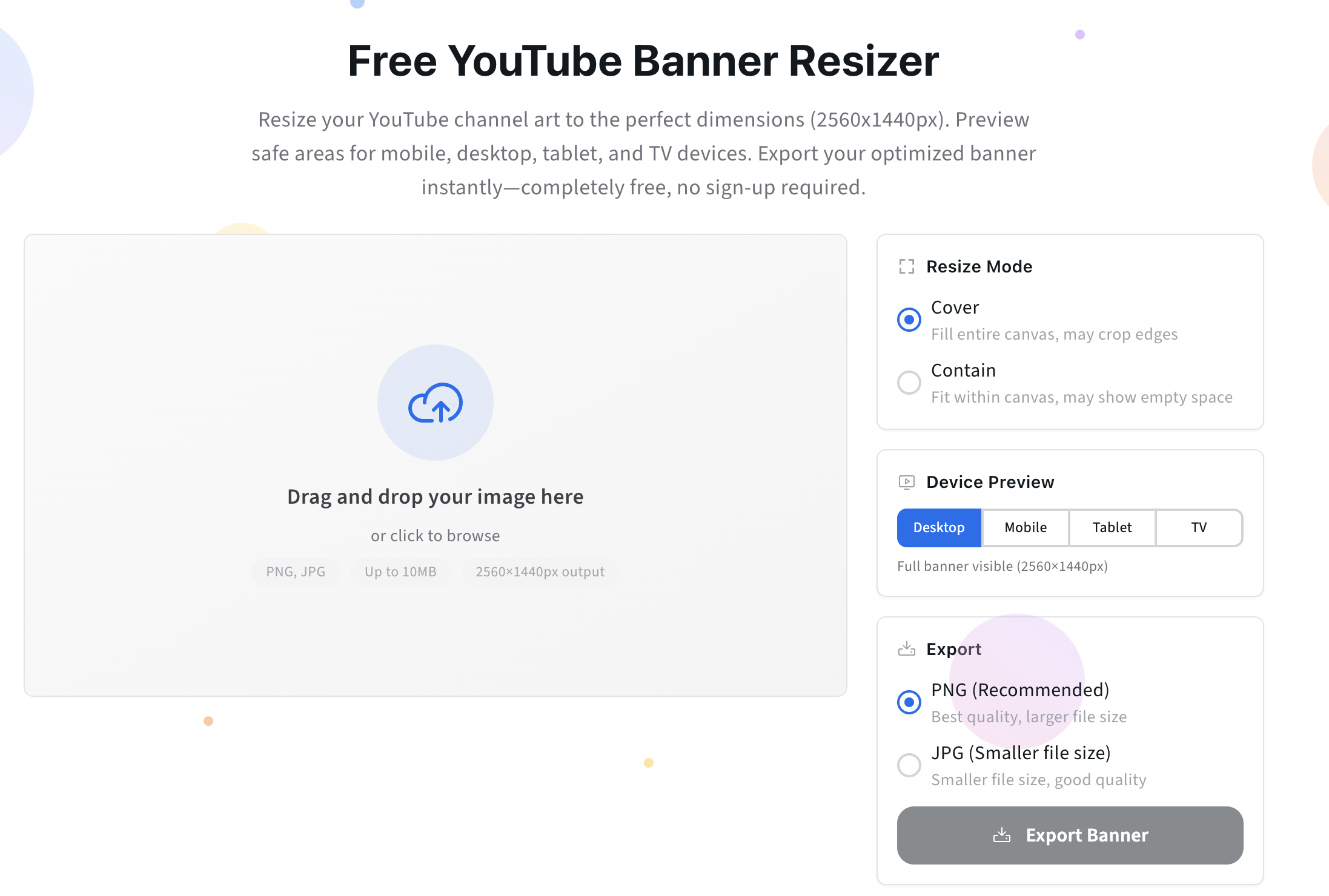
Before diving in, if you just want to resize your YouTube banner correctly and avoid cropping issues, use our free YouTube Banner Resizer.
It shows the exact YouTube banner safe zone, helps you position text and logos correctly, and exports a banner that works across desktop, mobile, and TV.
Try the YouTube Banner Resizer:
https://kreatli.com/free-tools/youtube-banner-resizer
No sign-up required.
How to Use the YouTube Banner Resizer
Step 1: Upload Your Banner Image
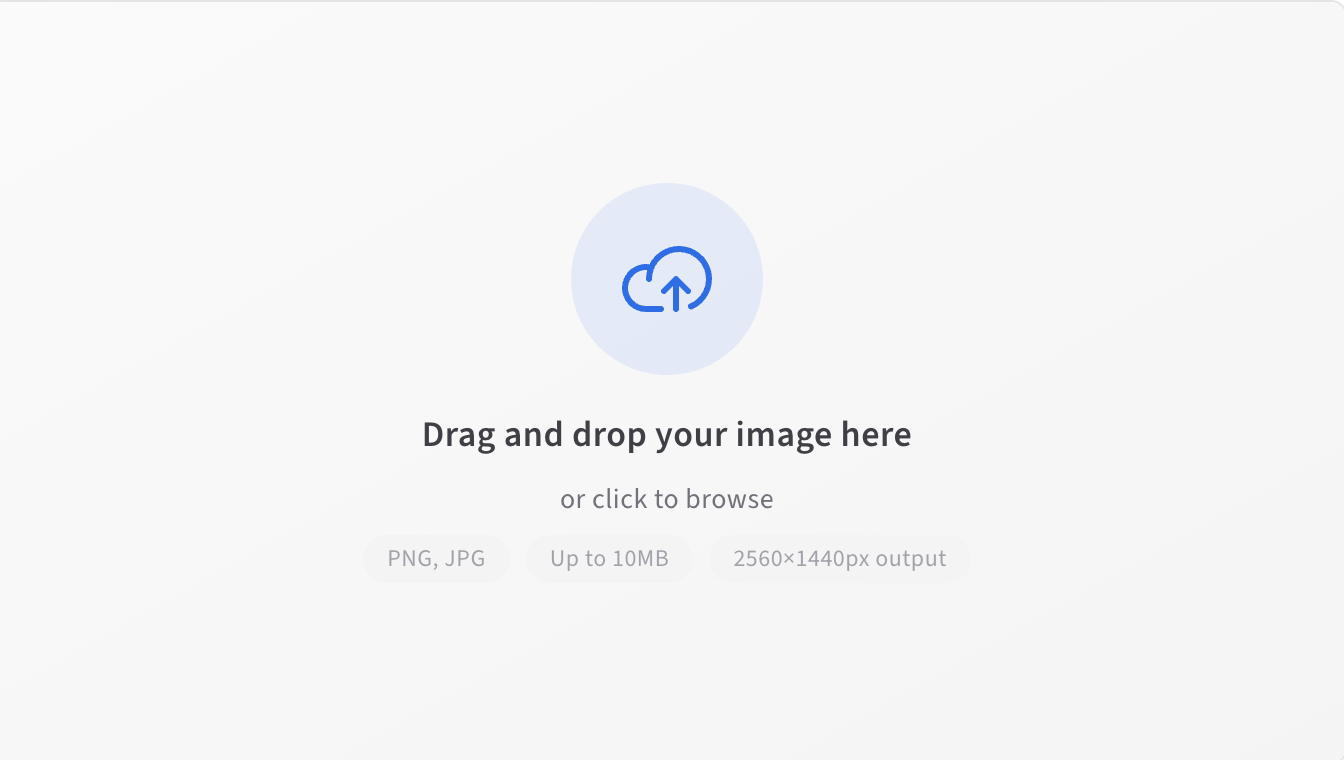
Upload your existing YouTube banner or any image you want to use as channel art.
You can start with:
A fully designed banner
A draft image
A resized export from Figma, Photoshop, or Canva
The tool accepts common image formats and prepares them for YouTube’s banner canvas.
Step 2: Apply the YouTube Banner Template
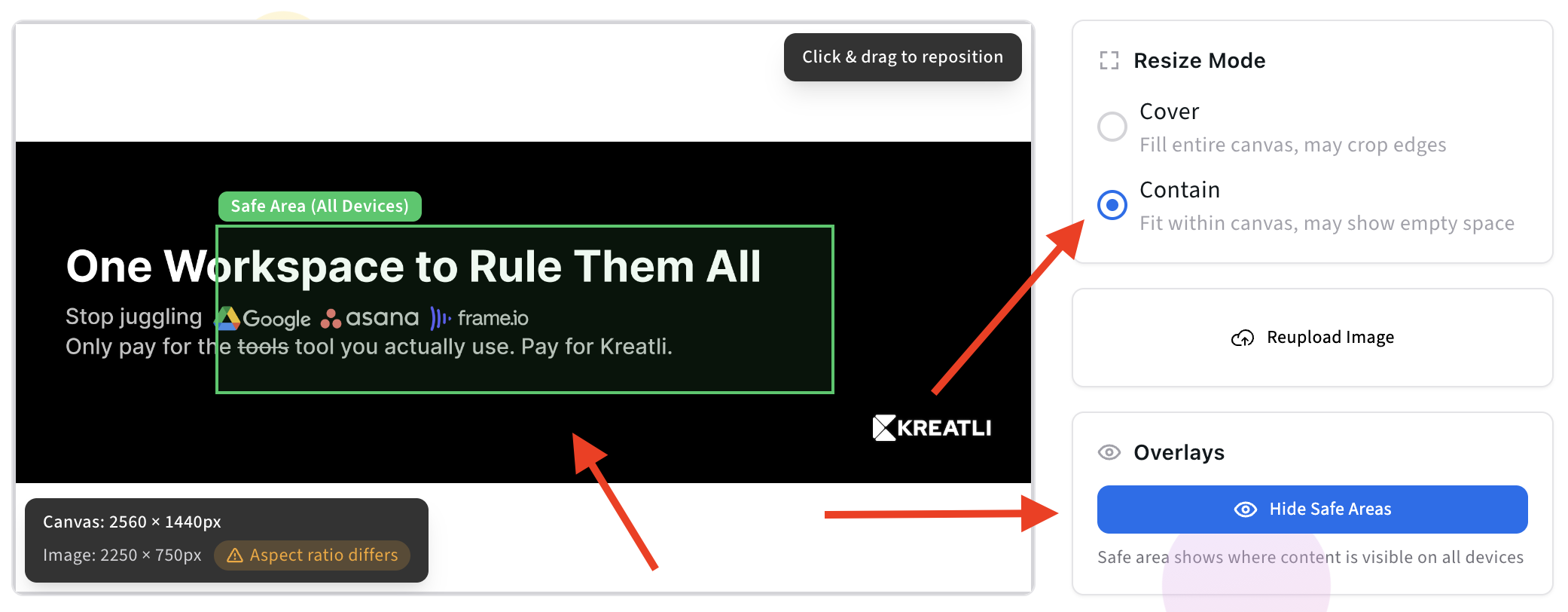
Once uploaded, the tool automatically applies:
YouTube’s recommended banner dimensions
The exact center safe zone visible on all devices
Anything outside the safe zone is clearly marked, so you can adjust with confidence.
Step 3: Adjust Key Elements and Preview
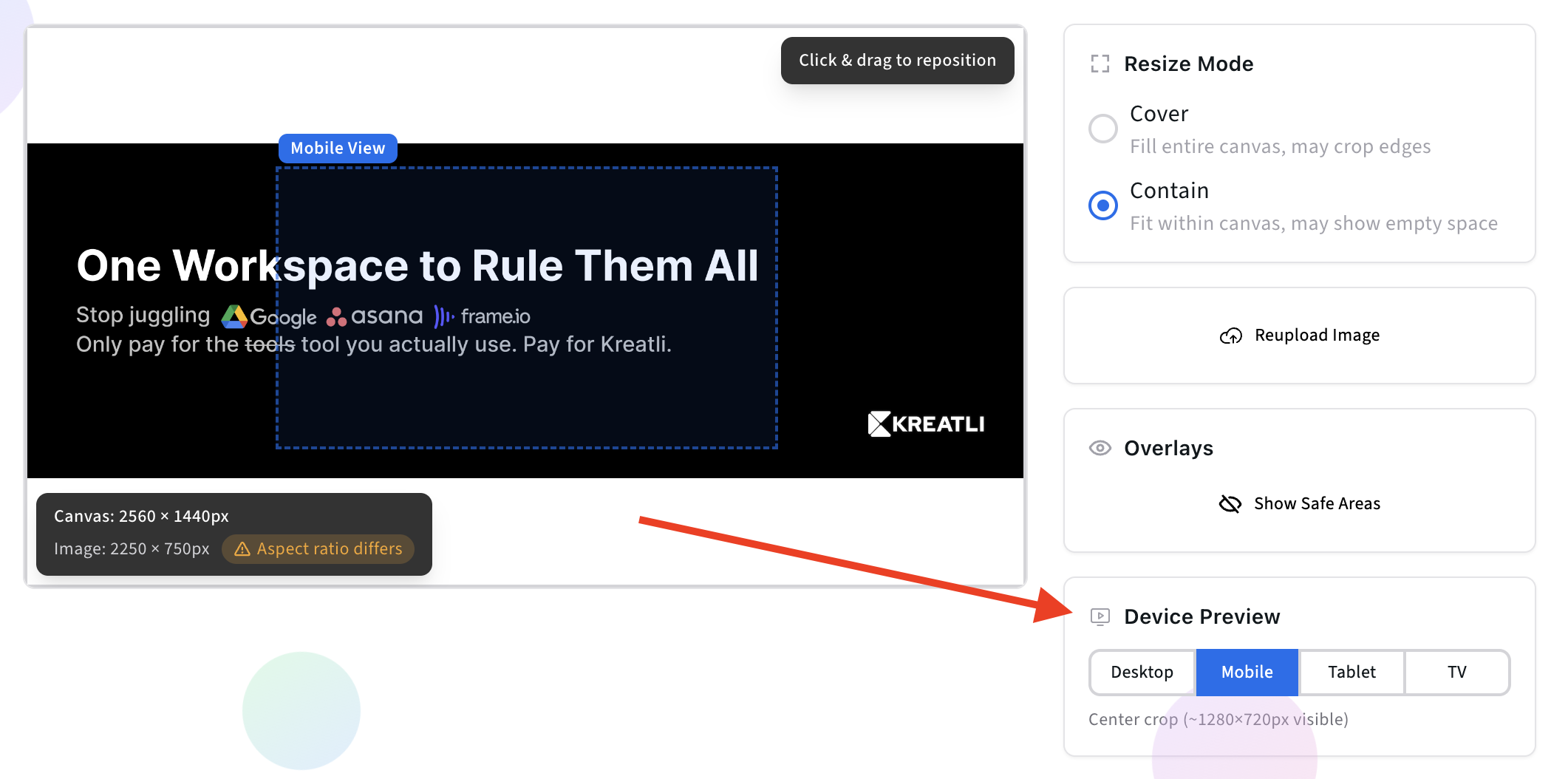
This instantly shows you what will be visible on:
Desktop
Mobile
TV
Make sure all critical elements stay within the highlighted safe zone. Decorative visuals can extend beyond it.
This step eliminates the trial-and-error usually required when uploading banners directly to YouTube.
Step 4: Export and Download Your Banner
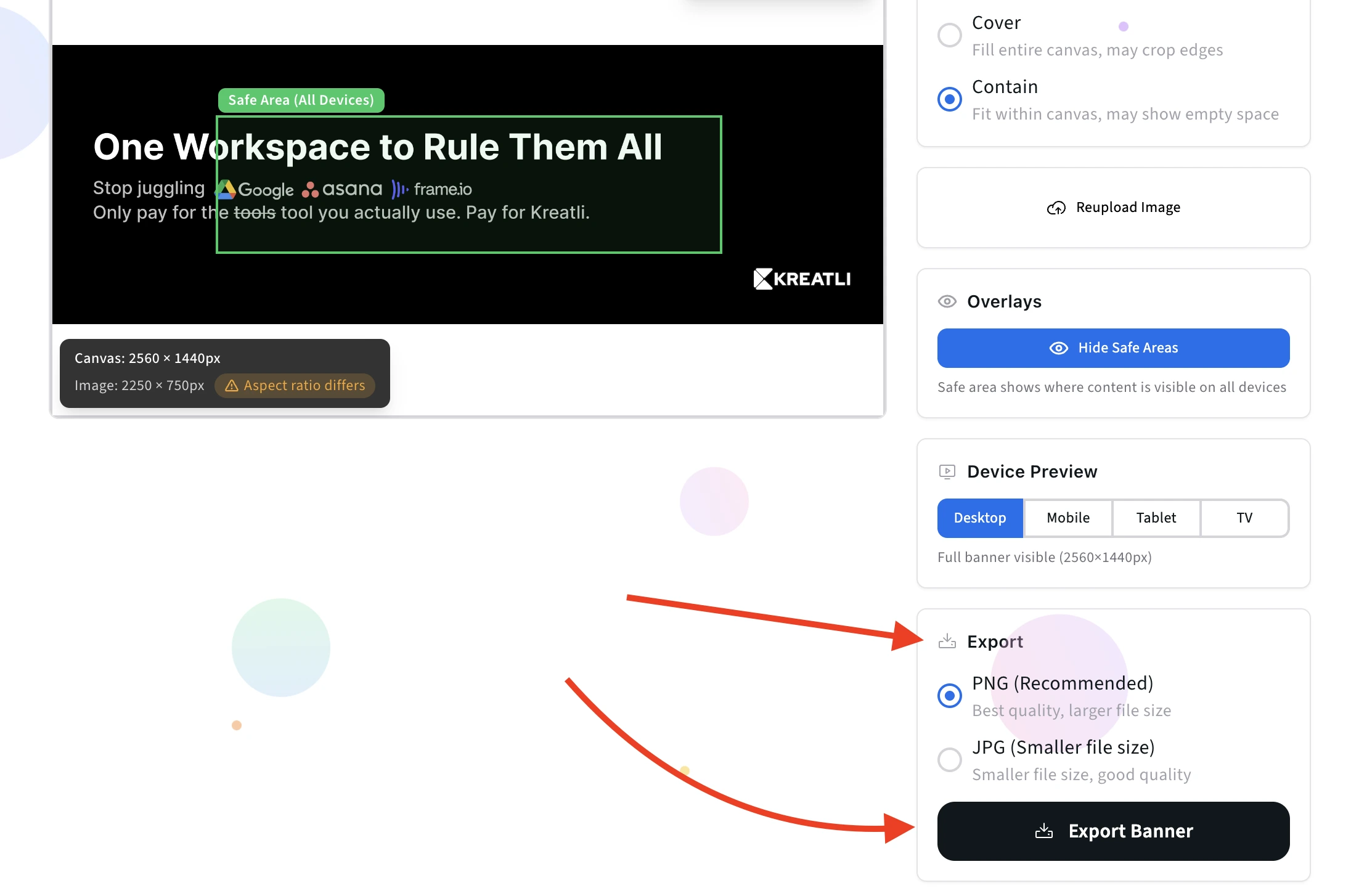
Export the final banner and upload it directly to your YouTube channel.
The file will:
Match YouTube’s recommended dimensions
Preserve safe zone alignment
Display correctly across desktop, mobile, and TV
No further adjustments needed.
Step 5: Upload to Kreatli for Team Review
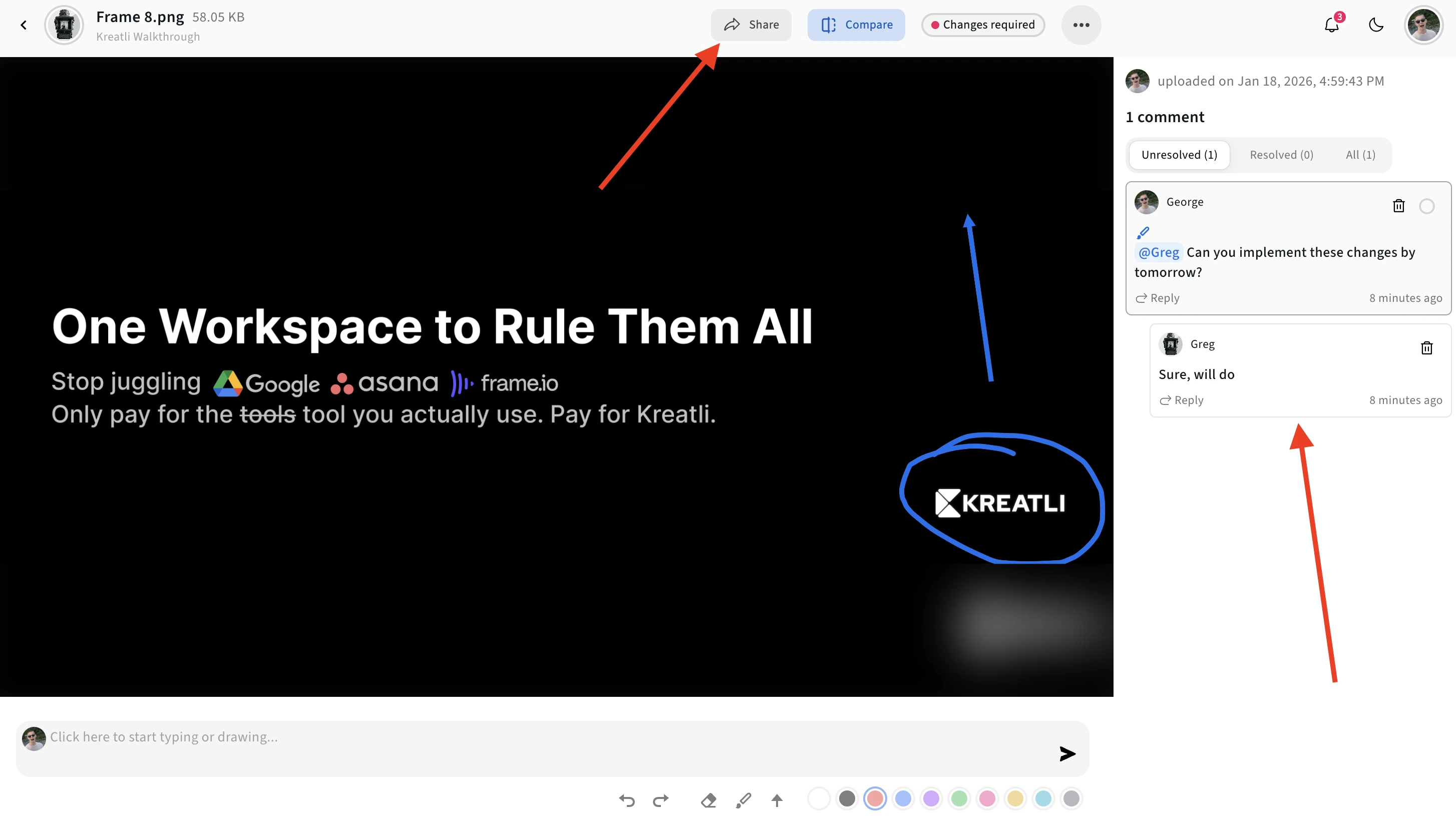
Upload your exported banner to Kreatli to share with your team for collaborative review.
Collect feedback, align on safe area placement, and document final approvals - so your channel art stays consistent across updates and stakeholders.
More Free Tools
Designing for multiple screens is just one part of producing great video and channel assets. To reduce avoidable revisions before review, you can use more free tools from Kreatli:
Instagram Reels, TikTok & YouTube Shorts Safe Zone Checkers – ensure your short-form layouts stay visible across UI overlays
YouTube Banner Resizer – correctly format your channel art
Data Transfer Calculator – estimate how long large files will take to upload or share
Browse all free creative tools:
https://kreatli.com/free-tools
What Is a YouTube Banner?
A YouTube banner (also called channel art) is the large header image displayed at the top of a YouTube channel.
Unlike thumbnails or Shorts, banners must adapt across:
Desktop
Mobile
Tablet
TV screens
Each device crops the image differently - making safe zones critical.
YouTube Banner Dimensions (2026)
Recommended Banner Size
2560 × 1440 px
Aspect ratio: 16:9
File size: under 6MB
This is the canvas size, not the guaranteed visible area.
YouTube Banner Safe Zone Explained
Only the center portion of your banner is always visible across all devices.
Safe Zone Dimensions
1546 × 423 px (centered)
Anything outside this area may be cropped depending on screen size.
What belongs in the safe zone
Logo
Tagline
Upload schedule
Key brand message
What can live outside
Background textures
Decorative imagery
Extended visuals
Visual placement suggestion:
Insert a banner diagram showing:
Full 2560×1440 canvas
Highlighted center safe zone
Place immediately after this section.
Why YouTube Banners Break So Often
Most banner issues stem from one of these mistakes:
Designing only for desktop
Placing text too wide or too tall
Reusing banner templates without resizing
No review step before publishing
For teams managing multiple channels or brands, these errors multiply quickly.
Banner Resizing for Teams (Not Just Creators)
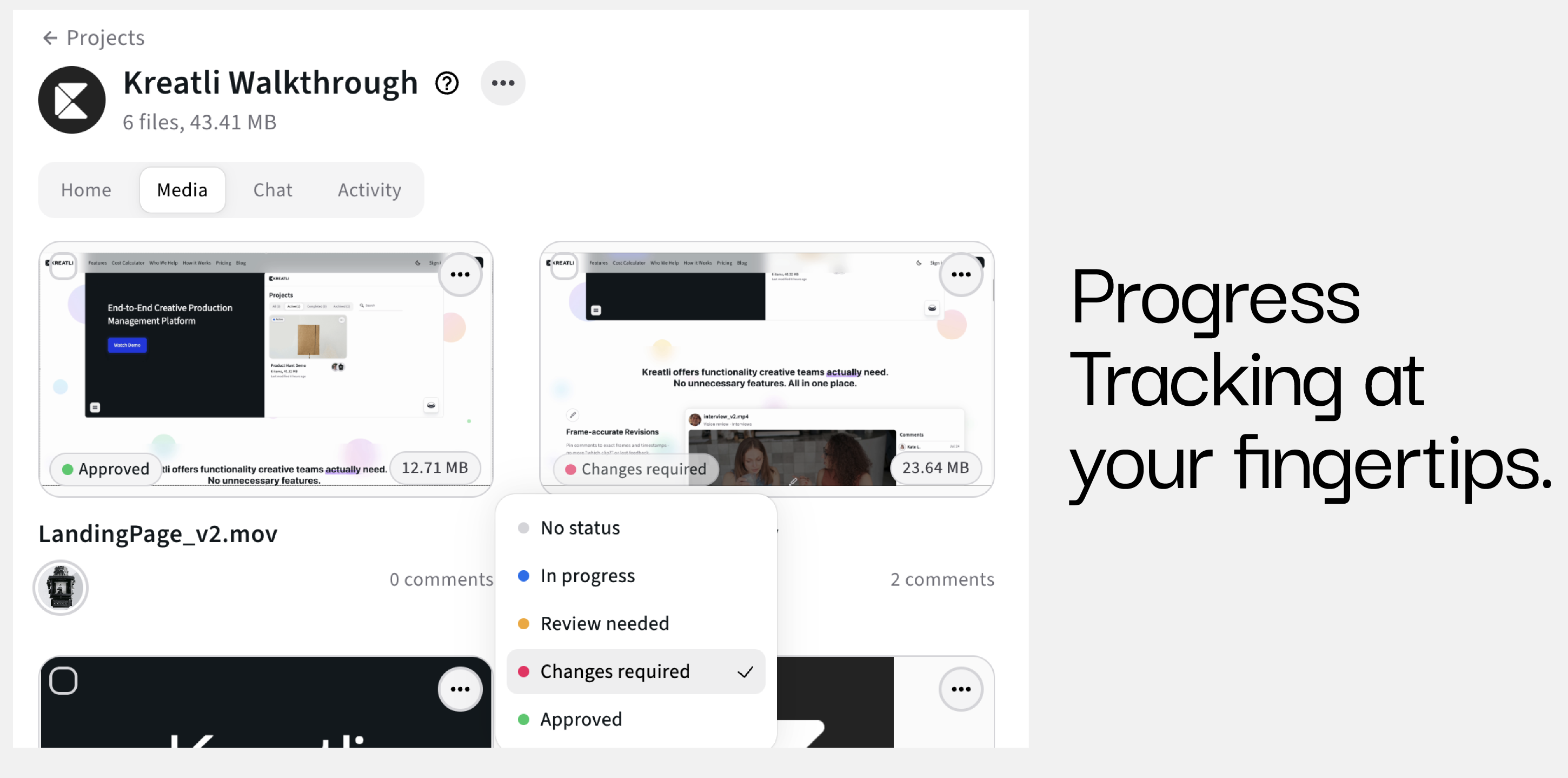
For in-house teams, agencies, and studios, banners are rarely “one-off” assets.
They are:
Updated for campaigns
Versioned across brands
Reviewed by multiple stakeholders
Without structure, banners become:
Lost in folders
Re-uploaded incorrectly
Changed without approvals
Kreatli helps teams manage these assets as part of a broader production workflow.
YouTube Banner vs Thumbnails vs Shorts
It’s important not to treat banners like other YouTube assets.
Asset Type | Key Constraint |
|---|---|
Banner | Device-based cropping |
Thumbnail | Click-through optimization |
Shorts | Vertical safe zones |
Each asset requires different tooling and review logic.
Check out our guide on YouTube Shorts Safe Zone Guide
How Kreatli Fits Into the YouTube Production Stack
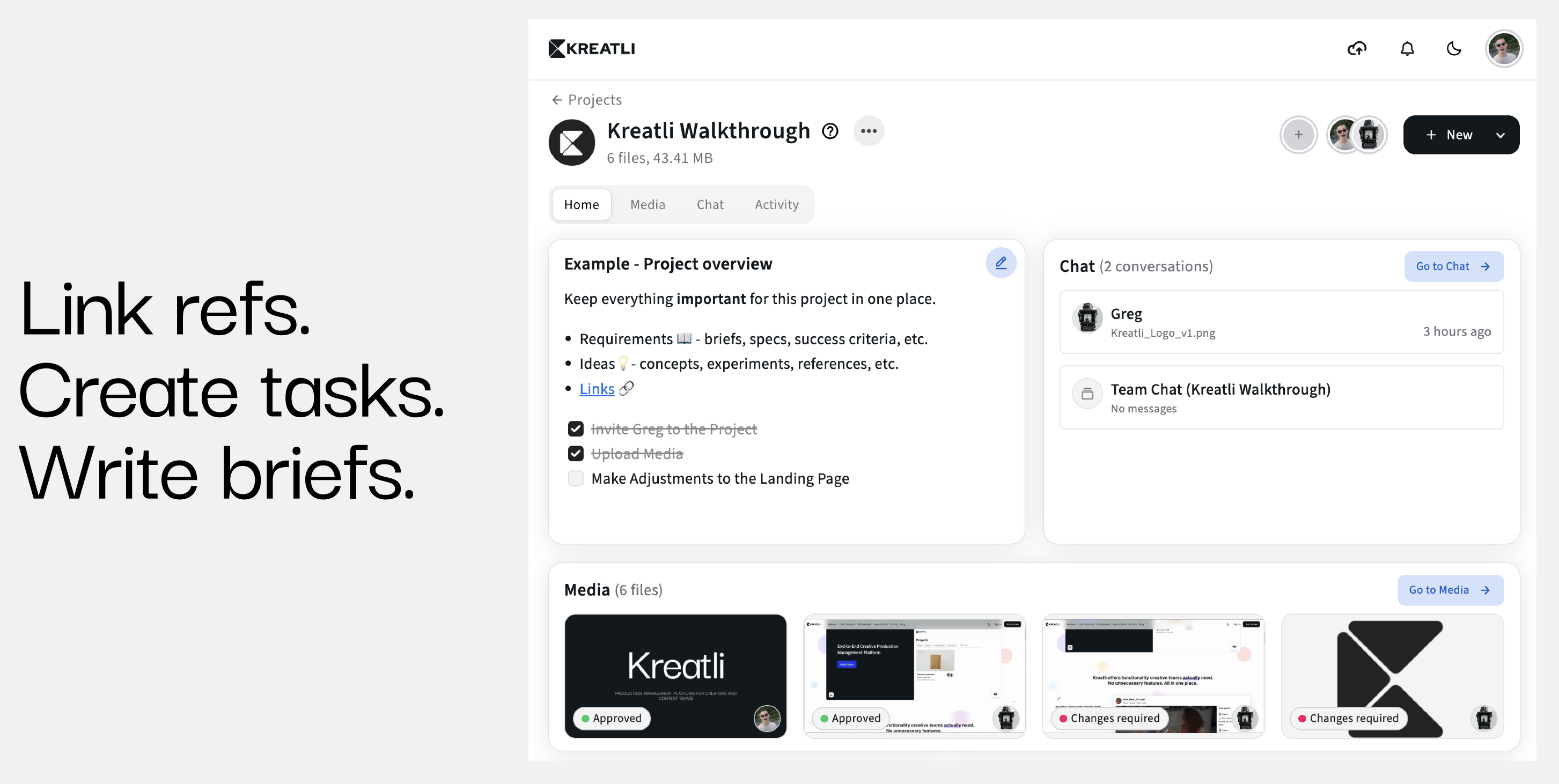
Kreatli is production management software for creative teams.
Used alongside free tools like the YouTube Banner Resizer, Kreatli helps teams:
Store final banner versions
Track approvals
Keep branding consistent across channels
Avoid rework caused by incorrect exports
The resizer solves the how. Kreatli solves the scale.
Frequently Asked Questions (FAQ)
What size should a YouTube banner be?
2560 × 1440 pixels with a centered safe zone of 1546 × 423 pixels.
Why does my banner look cropped on mobile?
Because content outside the safe zone is hidden on smaller screens.
Can I use the banner resizer without an account?
Yes. The YouTube Banner Resizer is completely free and requires no sign-up.
Should text ever go outside the safe zone?
No. Only decorative elements should extend beyond the safe zone.
How do teams manage banner updates at scale?
By combining correct resizing tools with structured production management.
Can Kreatli become your Production Management Platform?
Book a 30-minute workflow audit and we will map your current processes to the Kreatli production template.