How to Manage Videos
A practical guide to video asset management: name versions clearly, centralize masters and proxies, and share one link per review round without inbox sprawl.

How to manage videos is about making large, iterative files easy to find, share, and approve. When storage, naming, and review links work together, producers spend less time on logistics and more time on the cut.
Key takeaways
- Store all cuts in one library with clear version labels so the team always opens the right file.
- Use predictable share links that don’t break when new versions are uploaded.
- Track review status (pending, changes requested, approved) alongside each version.
- Archive completed projects with their full version history for future reference.
What video management means for creative teams
Video management spans ingestion, organization, collaboration, and delivery. The through-line is that every teammate—internal or client—can open the correct file version with appropriate access.
Single library: cuts live beside related assets and briefs.
Version stack: each upload is identifiable and comparable.
Controlled sharing: links reflect the current review round.
Why ad-hoc folders and chat uploads break down
Chat and email are fine for quick pings, but they are poor systems of record for multi-gigabyte files. Without a hub, teams duplicate exports, lose track of approvals, and re-open solved issues on old links.
Fragmented copies: the same MP4 exists in five places with different names.
Broken context: feedback references a cut that is no longer current.
Access risk: forwarding links bypasses the permission model you intended.
For the platform overview, see Manage Videos.
How to manage videos (step-by-step)
Pick a system of record (workspace or library) for active projects.
Ingest masters with consistent naming: project, cut name, version, date.
Create review links per round with the right view/download permissions.
Close rounds deliberately: resolve comments, archive superseded links, upload the next cut.
Document handoffs: note what changed between versions for downstream teams.
Best practices for masters, proxies, and permissions
Separate internal vs client links: not every stakeholder needs download rights.
Use expiring links for sensitive previews when campaigns are embargoed.
Keep proxies labeled: make it obvious when a file is for review only.
Automate where possible: default folder templates per project type reduce setup drag.
Try managing videos with a shareable link now
Managing videos well means sharing the right cut with the right people. The preview below shows a simple copy-link flow for a video asset. When you are ready, sign up free or book a demo.
Free tools, guides, and platform features
Below are free tools that pair with video management, plus related guides and platform features to explore next.
Free tools for managing videos
Try tools that complement hosting, review, and transfer planning.
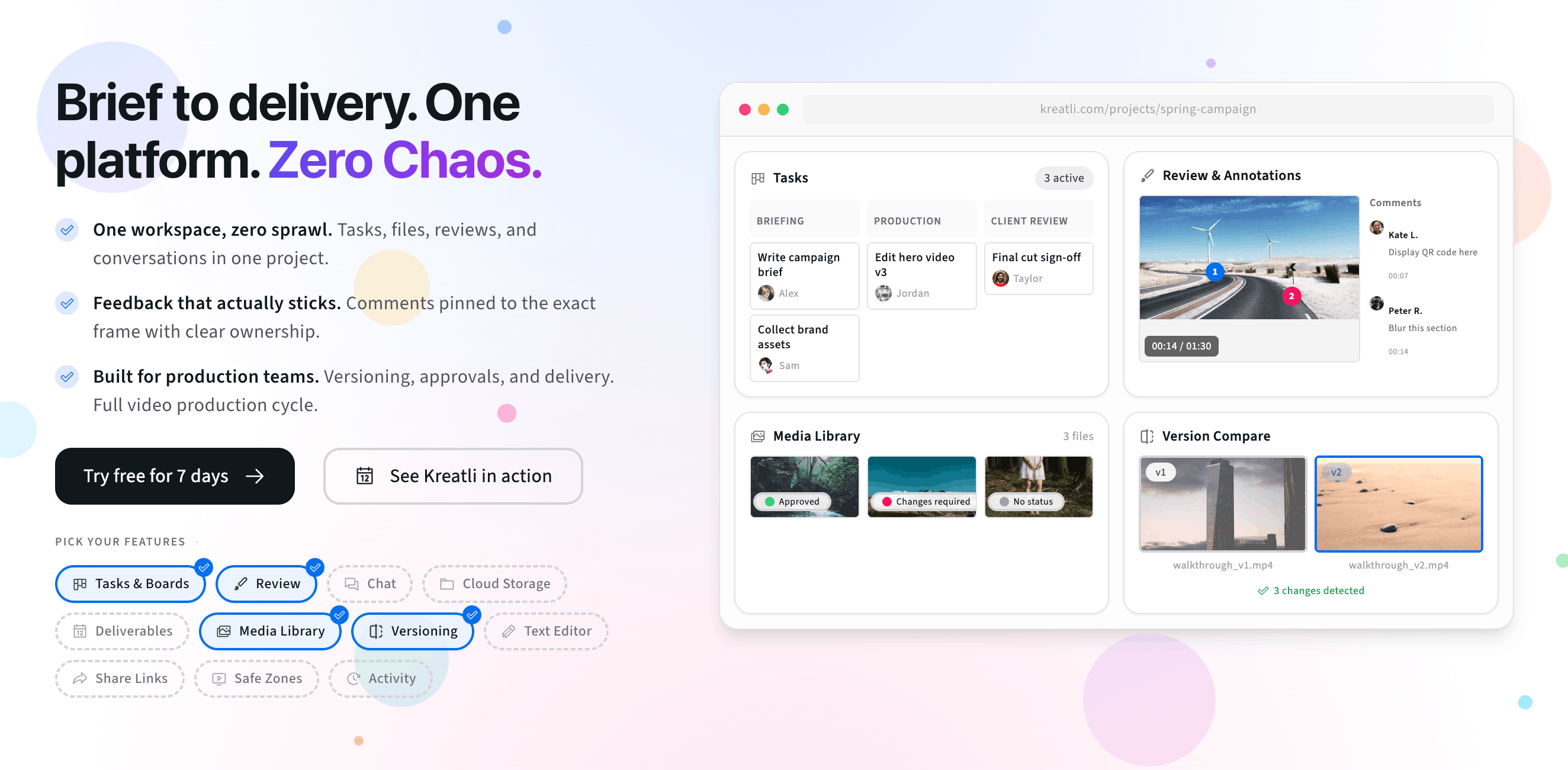
Video Manager — Organize, store, and track video assets with version control and client share links. Manage feedback and approvals in one workspace.
Video Reviewer — Review videos online with frame-accurate comments, visual annotations, and approval workflows. Share with clients; recipients do not need a Kreatli account.
Video Feedback Tool — Give frame-accurate feedback on videos with comments, annotations, and markup. Share review links with clients; recipients do not need a Kreatli account.
Video Proofing Tool — Proof videos with frame-accurate comments, annotations, and approvals. Share proofing links; recipients do not need a Kreatli account.
More guides and examples
Read more about video workflows, storage, and approvals.
More resources
Capabilities that support secure storage, review, and creative orchestration.
Secure Asset Storage — Enterprise-grade storage for creative assets. Organize files, track versions, and protect your media with reliable infrastructure.
Video Annotation — Add frame-accurate annotations, drawings, and markup directly to video frames. Pin comments to exact timestamps and collaborate with precise visual feedback.
Creative Workspace — Unified workspace for creative production. Organize assets, manage projects, and collaborate with your team.
FAQ: Manage videos
What is the simplest definition of video management?
Video management is how your team stores, names, versions, and shares video files so the latest approved cut is always obvious—and feedback does not scatter across tools.
Should we keep both masters and review copies?
Yes. Store the high-quality master for delivery, and use a review-friendly copy (or streaming preview) for stakeholders. That balances quality with fast playback and fewer failed downloads.
How do share links fit into management?
Links are the handoff layer: one URL per active round, with permissions that match the audience (internal team vs client). Retire or update links when a round closes.
How do I prevent “wrong version” mistakes?
Upload each cut as a new version in the same asset, require comments to attach to a version, and resolve notes before calling a round complete.
What metrics signal good video management?
Fewer “which file?” messages, faster approval cycles, and an audit trail that shows who saw which cut and when.
Still have questions?
Reach us at support@kreatli.com and we will help you set up video management that scales with your productions.
Ready to manage video cuts without the chaos?